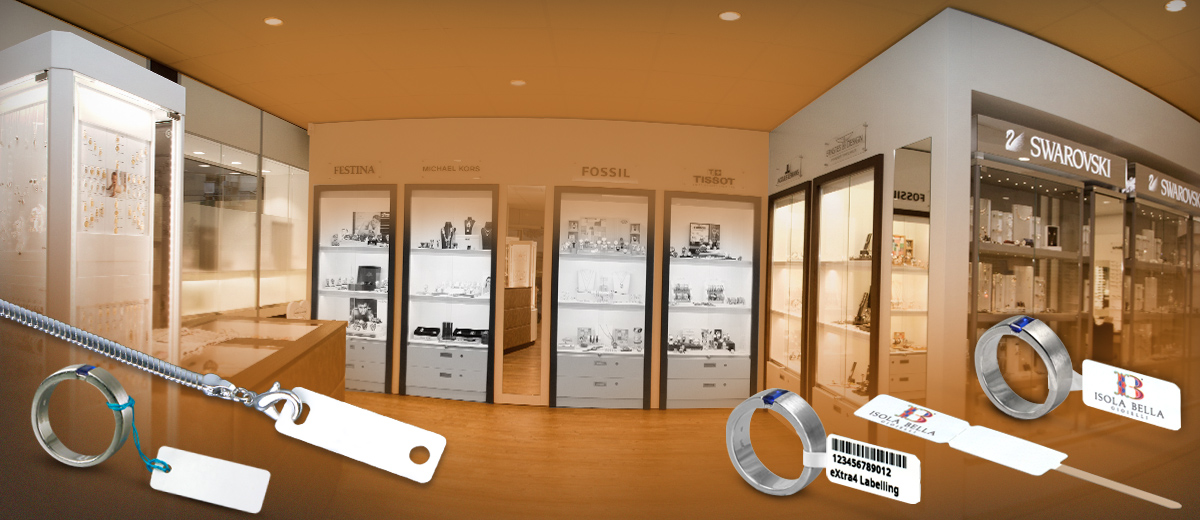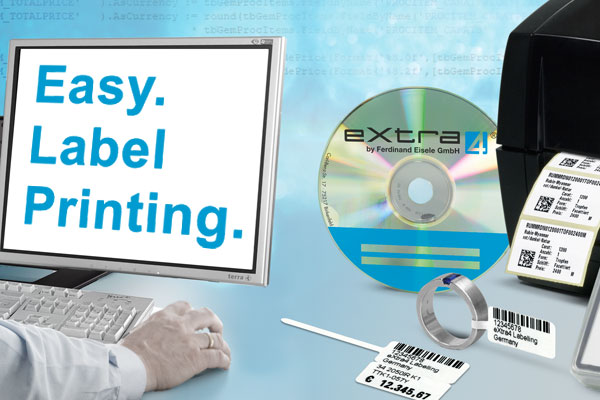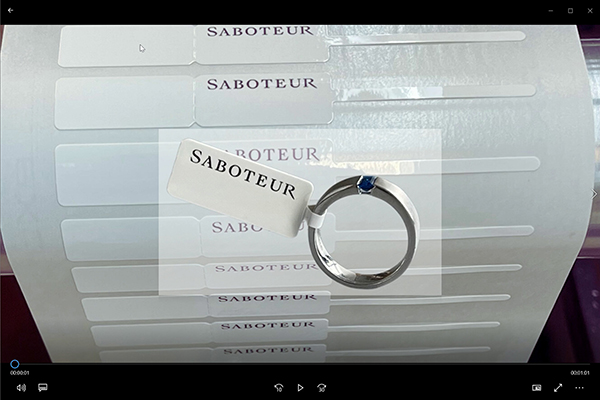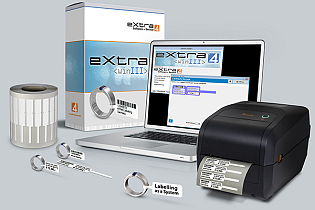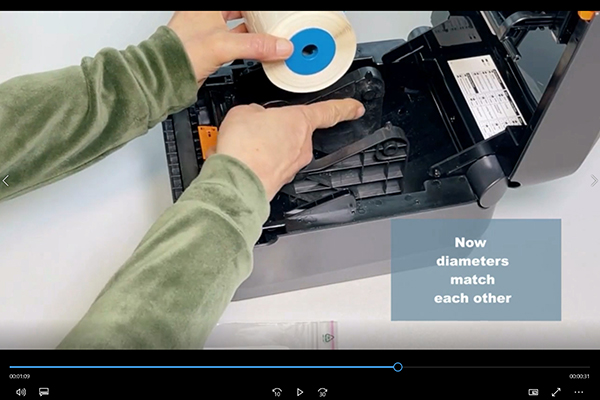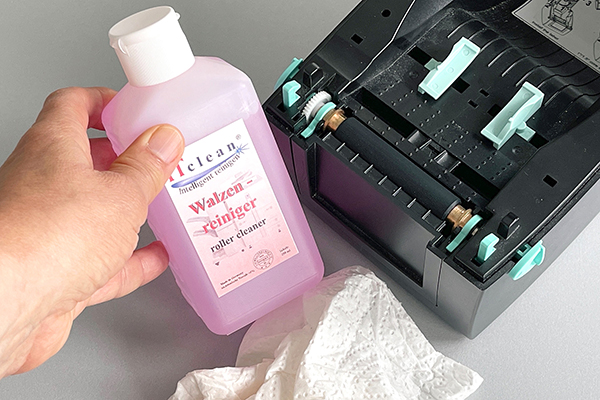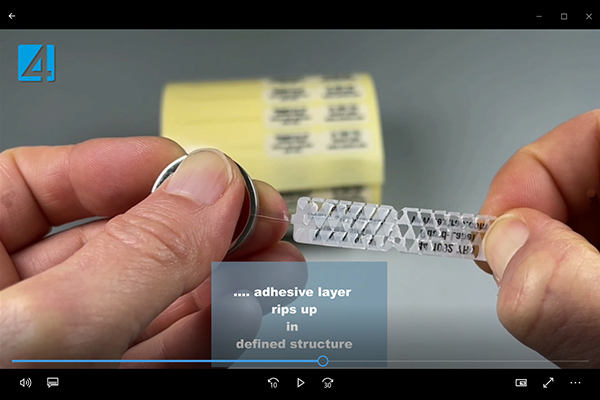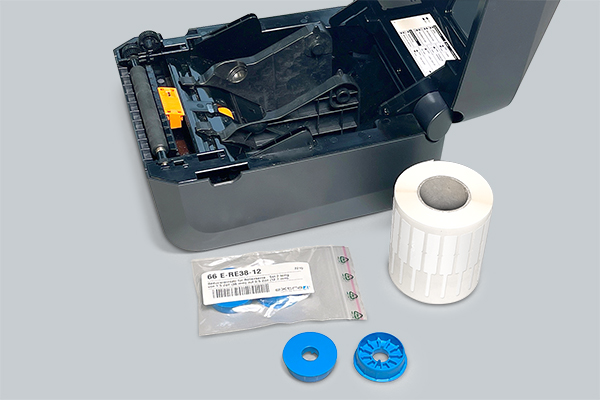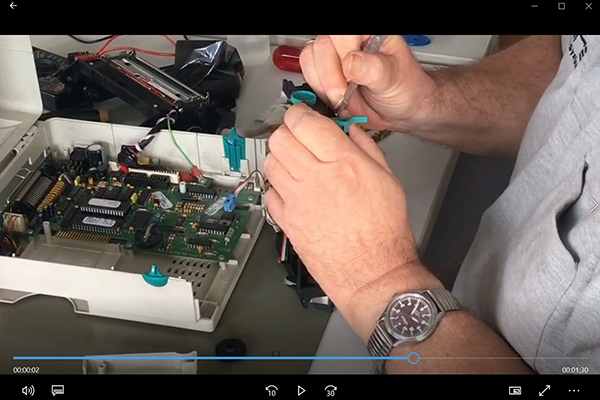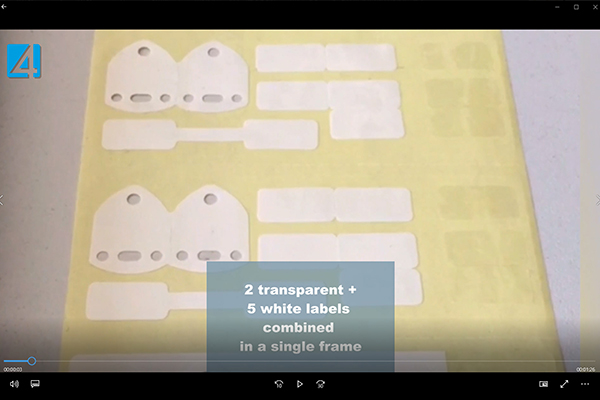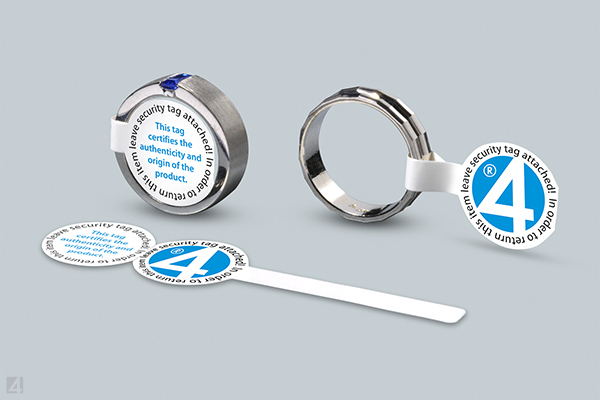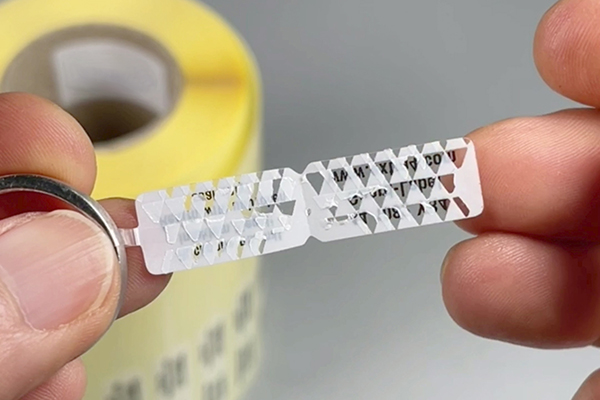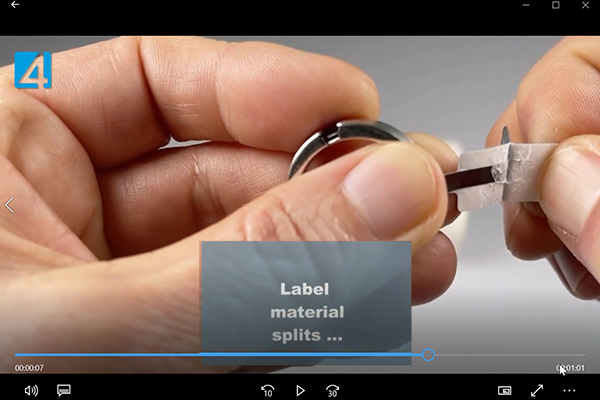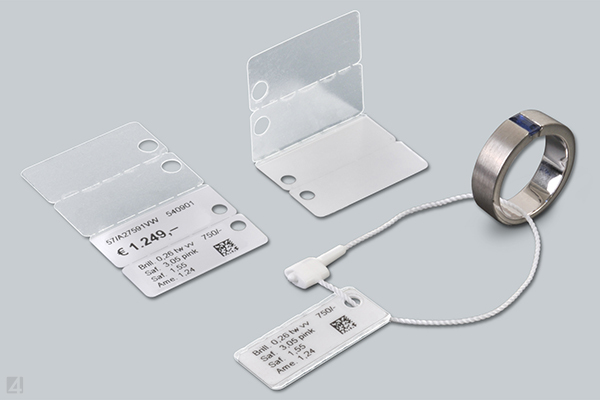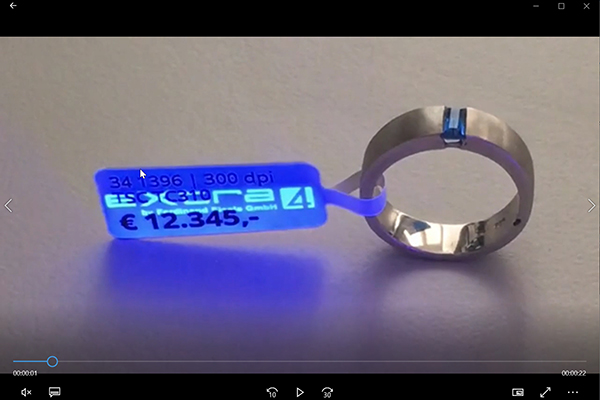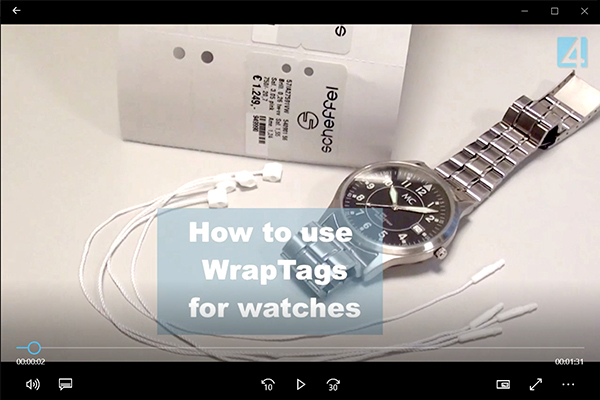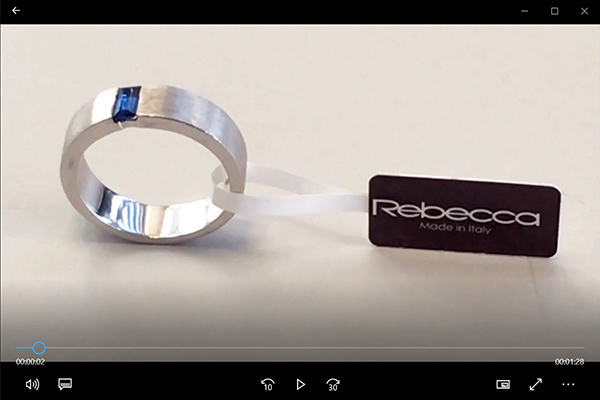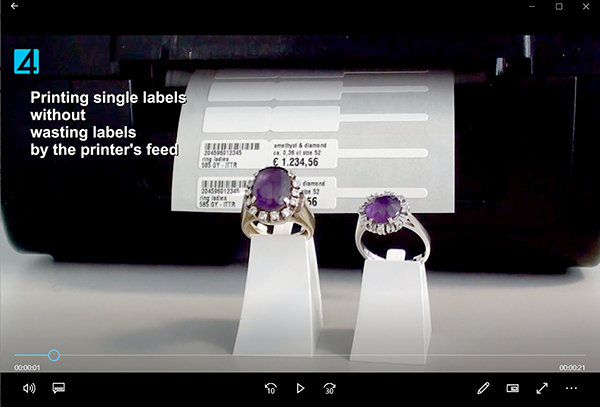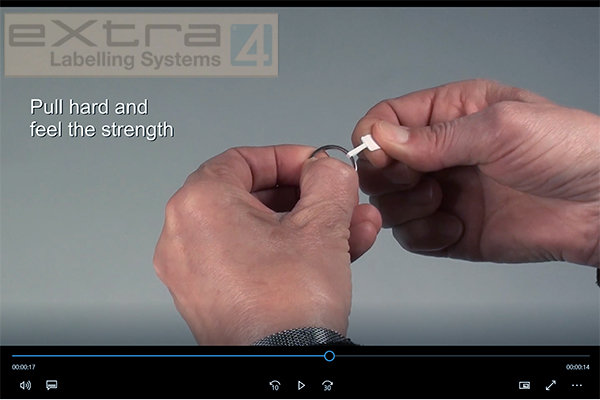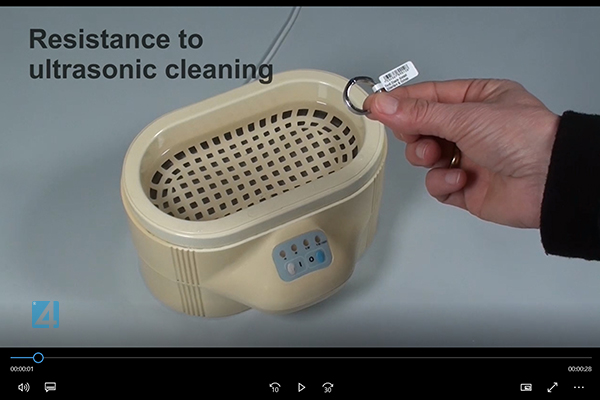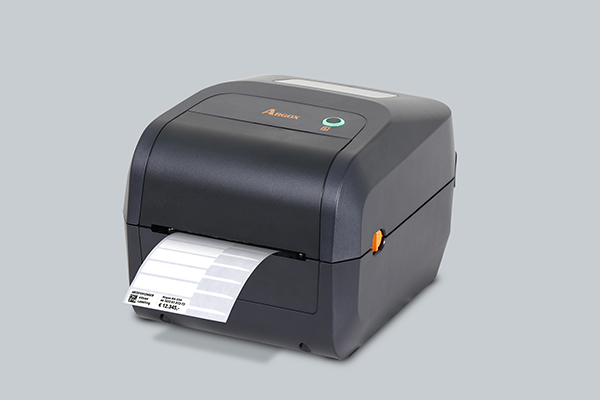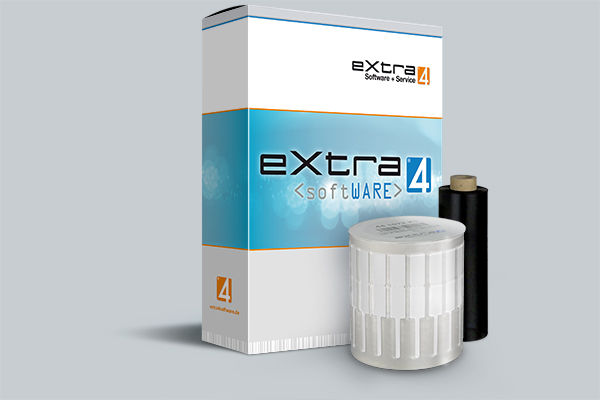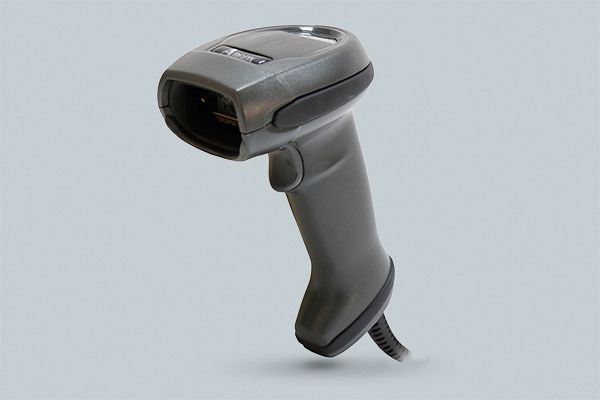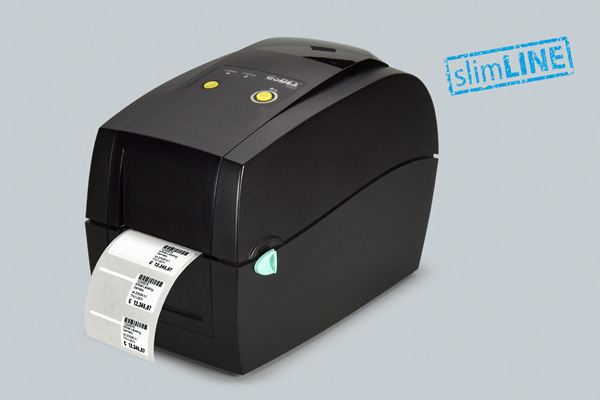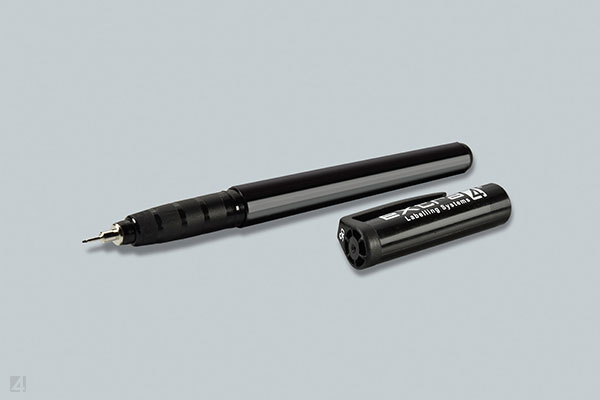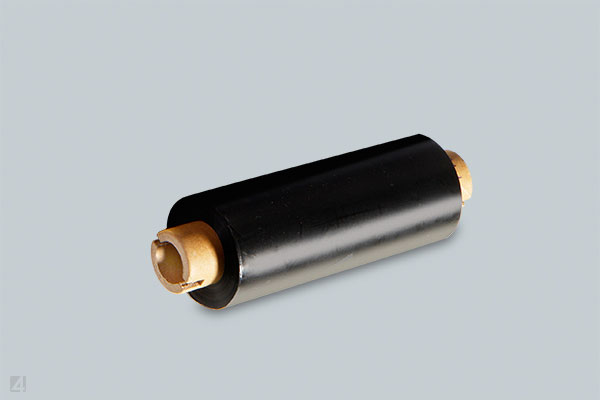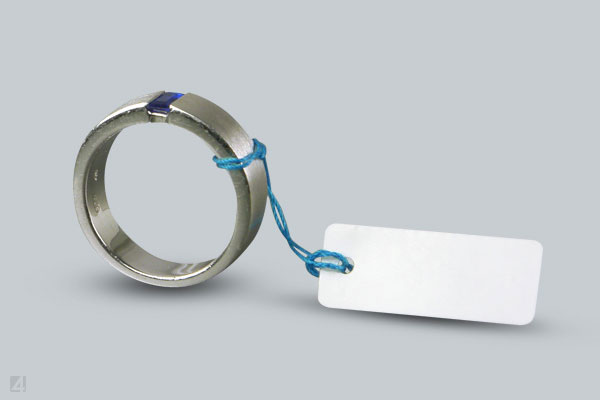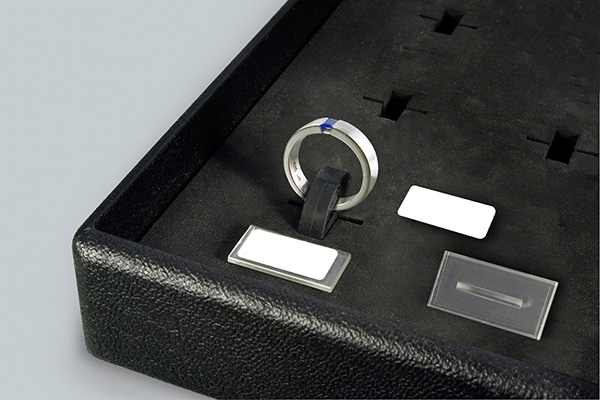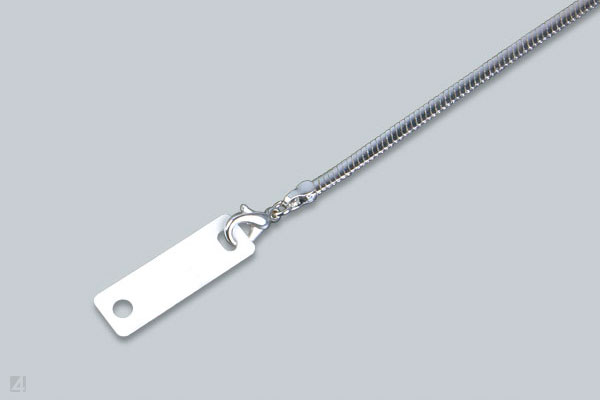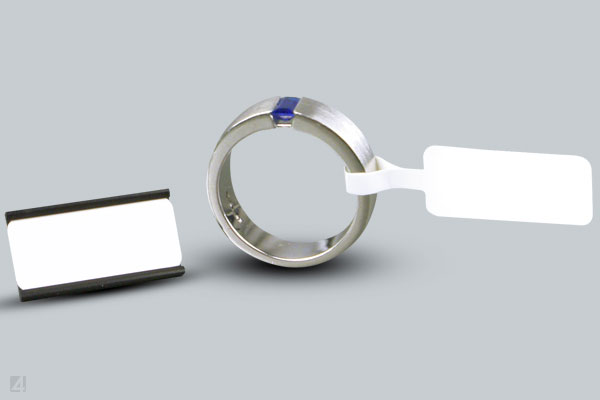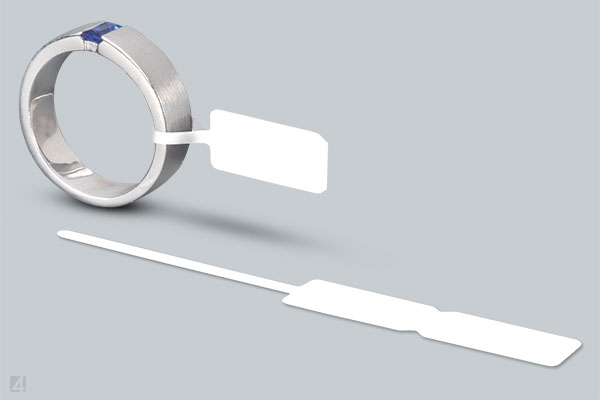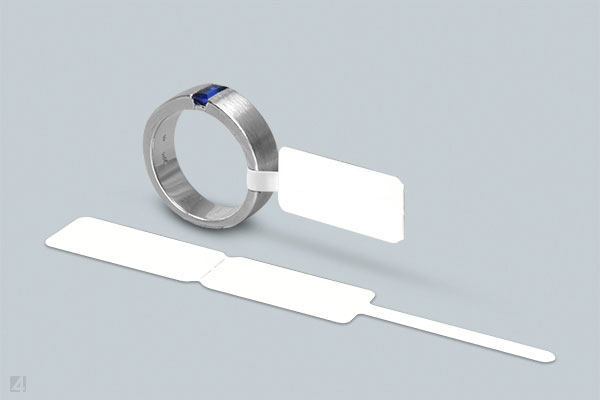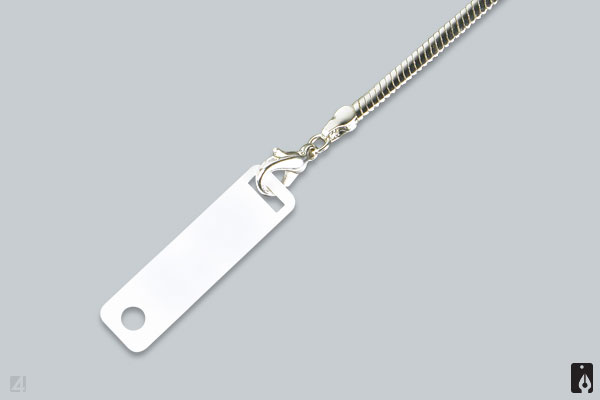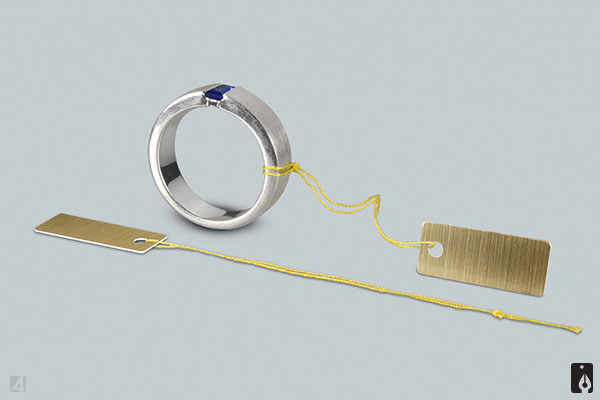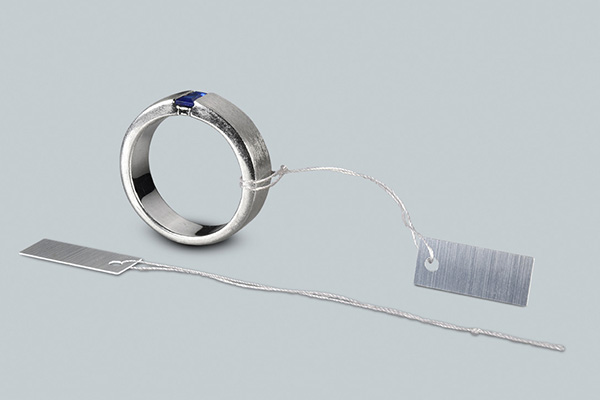
for jewellers and manufacturers
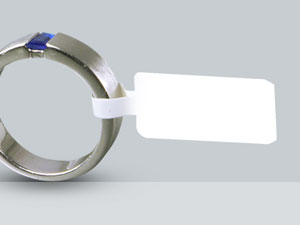
plain or with individual logo
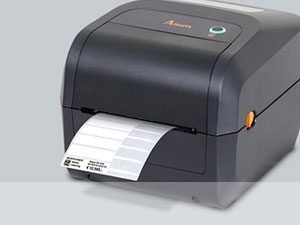
for marking in a label printer

OUR PRODUCT RANGE
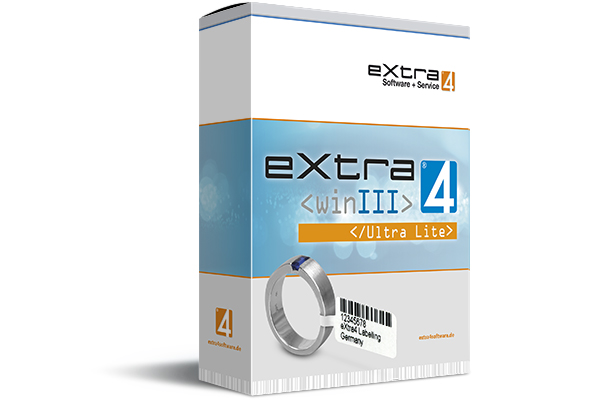
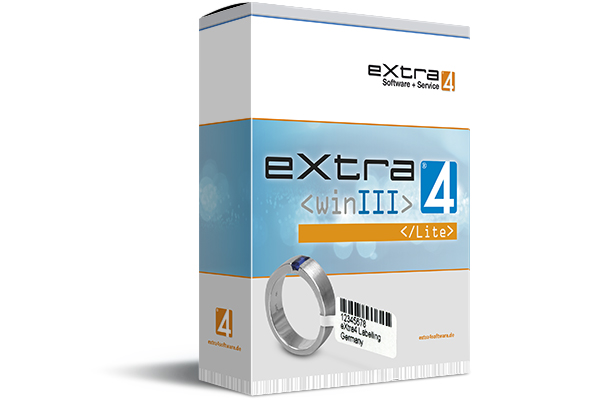
Label printing software Edition <Ultra Lite>
eXtra4<winIII> for testing without registration
The label printing software eXtra4<winIII> in Edition „Ultra Lite“ serves exclusively for getting to know the program core function, the label printing.As a user, you are able to connect a printer, enter data into the entry mask of a selected label and trigger the printing of one single label. Beyond label printing, eXtra4<winIII> Edition „Ultra Lite“ has no additional functions, but can be used indefinitely - even without registration and personal license number.

![]() | ||||
|---|---|---|---|---|
| 1 | 1 | 1 | 0 | 0,00 |
| Printers connectable |
Label - layouts |
Label circulation |
Support units |
Price in € |

eXtra4<winIII> Edition „Ultra Lite“ for Microsoft platform
Label printing can be realised free of charge exclusively for Windows computers with software eXtra4<winIII> edition "Ultra Lite".System requirements for label printing with eXtra4

Our labelling systems in the field of software and associated services are supported by our subsidiary eXtra4 Software+Service GmbH.

Download and Upgrade
For the download of eXtra4<winIII> Edition „Ultra Lite“, the simplified trial version of the label printing software, we need the address data of the prospective user. You will receive the download link for the software by e-mail. A double click on the download link in the mail downloads the software into the download area of the computer. A double click on the program file triggers the installation on the computer.User of Edition „Ultra Lite“, who want to work more comfortable with eXtra4<winIII>, but still free of charge, register from within the software. The registration causes a free upgrade to the next higher version of the program, the Edition "Lite". For confirmation, the user receives his personal license number by e-mail.
Get to know eXtra4
Support and service times
As free trial version eXtra4<winIII> Edition „Ultra Lite“ does not include any support services. If you need support, we wil be happy to help you fee-based with advice. Please contact our support team at +49 7231 94790 or by mail.
Mail with download link, entry as registered user, shipping of license number and activation are not automatic, but immediately within our office hours (Mon - Thu 8.00-16.30, Fri 8.00-12.00). During these times we also support you.
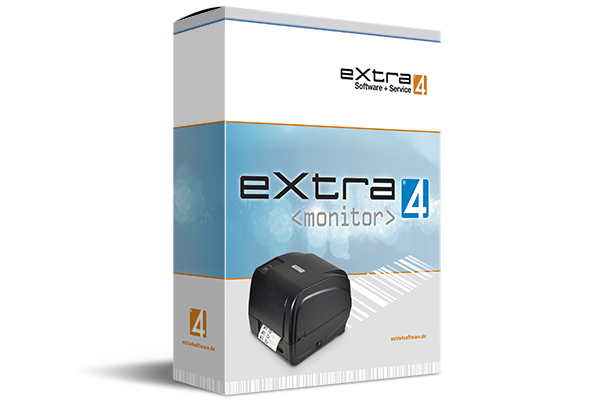
eXtra4<monitor>
Print-Tool for eXtra4<winIII>
Automatic data transfer for label printing from third-party systems
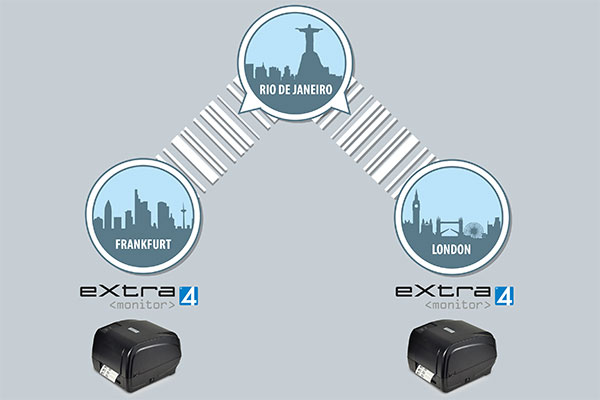
As an independent background application, eXtra4<monitor> automatically checks a defined area for the presence of label data from third-party systems. For monitoring, a data directory can be defined or a data field in a database.If data is detected, the print-tool automatically transfers it to a thermal transfer printer without user intervention. Both the label contents and the control commands for the upcoming print job are transmitted. The printer starts the printing process and outputs the transferred data as printed labels.
The connected printer must be pre-configured accordingly. The label printing software eXtra4<winIII> in its free "Lite" edition is used here. The data itself is generated in the third-party system and output from there. Direct intervention in the third party system is not necessary for label printing.
The purchase price includes 10 units (10 x 6 minutes) of support. For the integration of eXtra4<monitor> into a third-party system on site, technical support is required in any case, regardless of which of the two versions of software eXtra4<monitor> is used.
![]() | ||||
|---|---|---|---|---|
| 10 | 199,- | |||
| |
Support units |
Price in € |
||
eXtra4<monitorTX>
for label printing from a data directory
Transfer of label contents in format .txt
The print-tool eXtra4<monitorTX> controls a certain directory for the input of a text file. The directory can be situated locally on a computer, including decentralized or centralized on a server, even outsourcing into the cloud is possible. The administration of the third party system must authorize eXtra4<monitorTX> only for access to that directory. In addition, the desired data must be made available in the necessary formatting as a txt file.If eXtra4<monitorTX> registers that a text file is stored in the monitored directory, the software module immediately transfers it to the target printer. There the necessary label layout has already been stored in the internal memory via eXtra4<winIII>. Now the label can be printed correctly.

eXtra4<monitorDB>
for label printing from a database
Import label content from a data field
The print-tool eXtra4<monitorDB> checks the data records of a database for the appearance of a defined mark. The relevant database can be situated locally on a computer, includins decentralized or centrally on a server, storage in the cloud is also feasible. The administration of the third party system must grant eXtra4<monitorDB> only one authorization for read access to the database.If eXtra4<monitorDB> detects a marked record, the print-tool selects the contents of a previously defined field. The data of the respective data field from the marked data set are immediately forwarded to the target printer. There the necessary label layout is already stored in the internal memory via eXtra4<winIII>. Now the data can be printed correctly on the label.

Operating conditions for eXtra4<monitor>
As a Windows software, the print-tool eXtra4<monitor> matches the corresponding label printing software eXtra4<winIII>. It is only compatible with Microsoft systems. The use of eXtra4<monitor> always requires advice from our experts.Please contact our support team.

Our labelling systems in the field of software and associated services are supported by our subsidiary eXtra4 Software+Service GmbH.
Licensing rights
To enable all employees to print labels, the purchase of a licence of eXtra4 print tools for label printing with eXtra4<winIII> Edition "Lite" includes the possibility to use the software on any number of computers within a company (site licence).
If a company has several locations, a separate licence must be acquired for each one.
Support and service times
The purchase of eXtra4<monitor> for use on the basis of eXtra4<winIII> includes 10 units of inclusive support (10x 6 minutes), because the integration of the software into the system on site requires the support of our software experts.We generally provide support by telephone and online (remotely) during our business hours (Mon - Thu 8.00-16.30, Fri 8.00-12.00).
Please contact us at +49 7231 94790 or by mail.
Printing Labels
The core function of the software eXtra4<winIII>
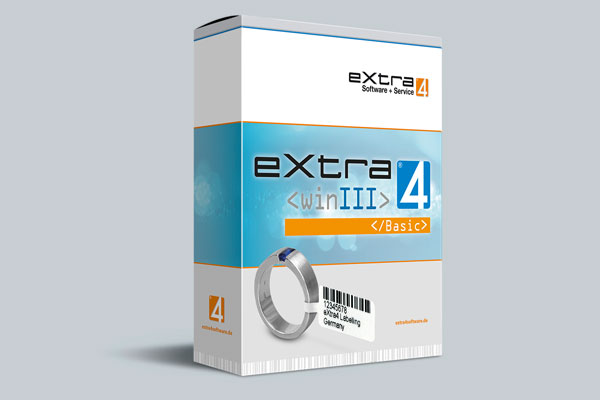
Label printing is the central task of the software eXtra4<winIII>. All program editions fulfill this task equally and deliver label printing in the same high quality. Nevertheless, the editions have different performance parameters:The eXtra4<winIII> label printing software editions differ, depending on the expansion stage and price, in the number of labels that can be printed per printing process, the number of connectable label printers and the number of label layouts that can be accessed directly, which are the designs for the label data.
Basic Functions
| Editions | Ultra Lite | Lite | Basic | Advanced Connect |
|---|---|---|---|---|
| Label Printing |
• | • | • | • |
| Printers-Number |
1 | 1 | 2 | 4 |
| Layouts - Number |
1 | 4 | 12 | ∞ |
| Labels-Number |
1 | ∞ | ∞ | ∞ |
| Support Units included |
-- | -- | 10 | 20 |
| Price in € plus MwSt |
00,- | 00,- | 199,- | 299,- |
Type´n´Print
The fast way to the printed label
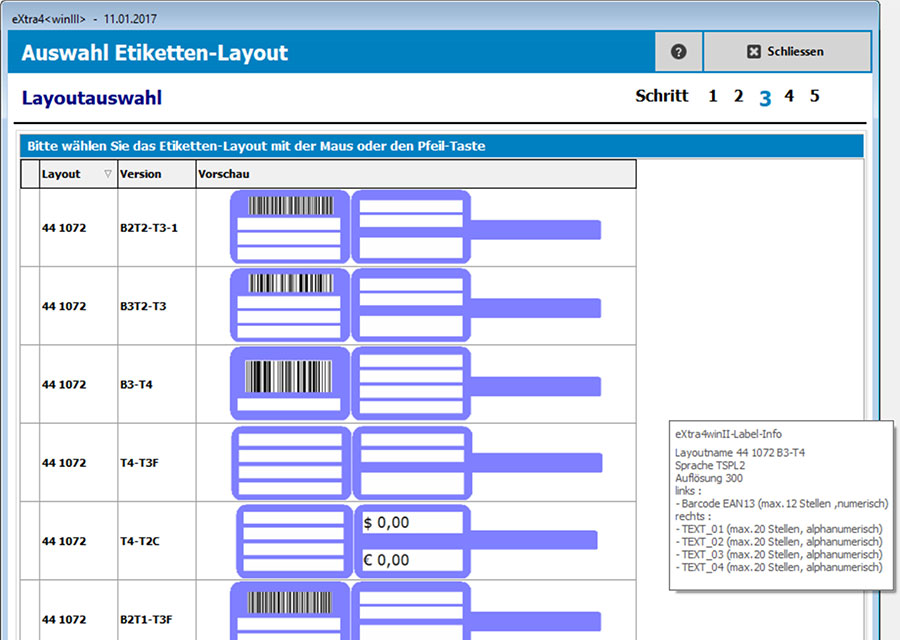
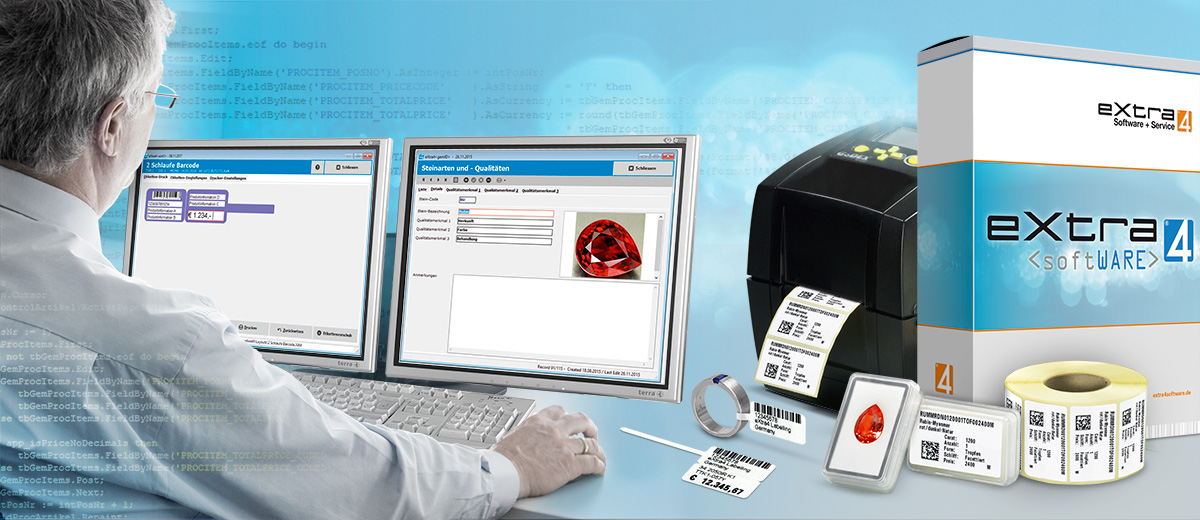
The label printing software eXtra4<winIII>has what standard label designer software does not have: Ready-to-use label designs.
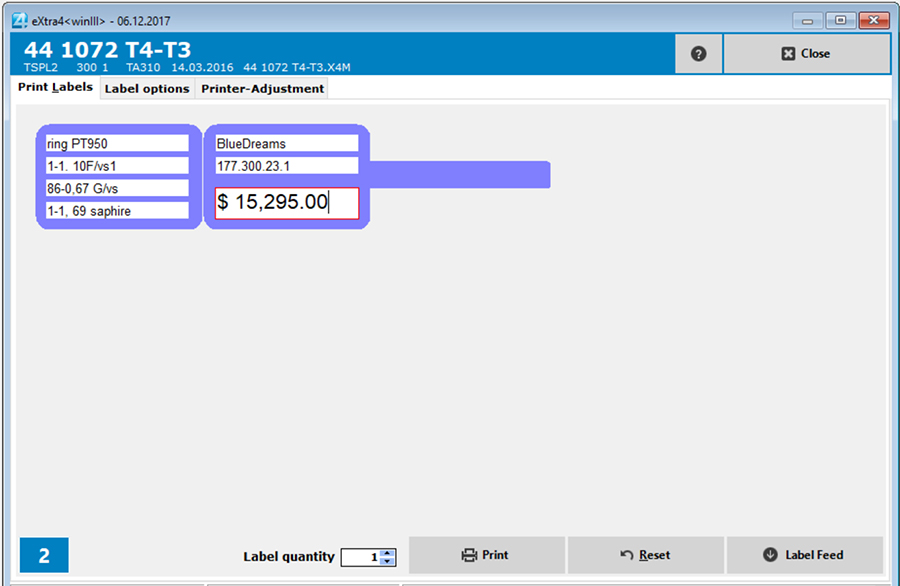
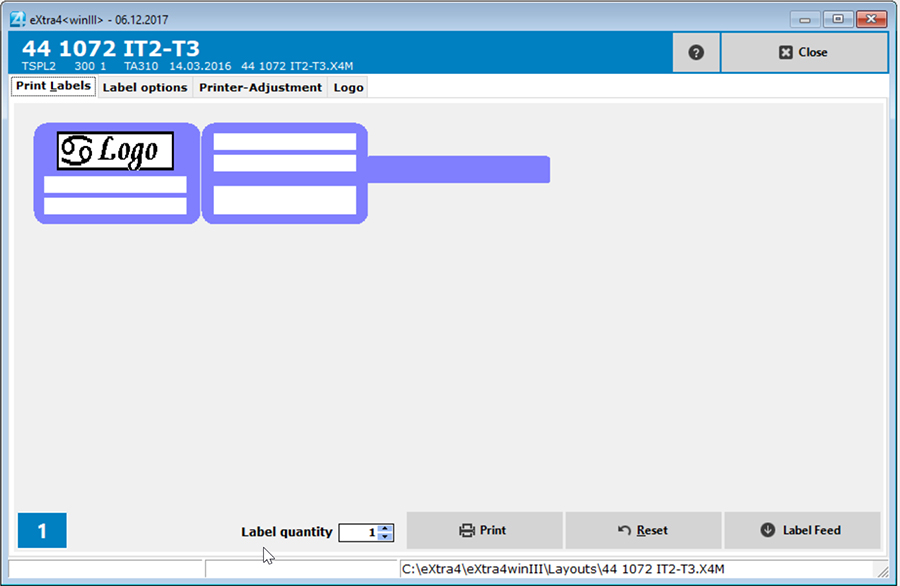
The label design is called label layout in eXtra4<winIII> and works as an entry mask. There the user types in the data to be printed on the label. A layout contains all elements to be printed per marking area, i.e. entry fields for individual texts and placeholders for barcodes or logos. The number of lines, font type and font size are predefined to ensure that the maximum amount of data can be optimally placed on the label and is easy to read in print.
Users of the label printing software eXtra4<winIII> only need 4 steps to printed labels: Select the layout, enter the data, determine the print run, start printing.
The Label/Layout Assistant
Choose a label design instead of making it yourself
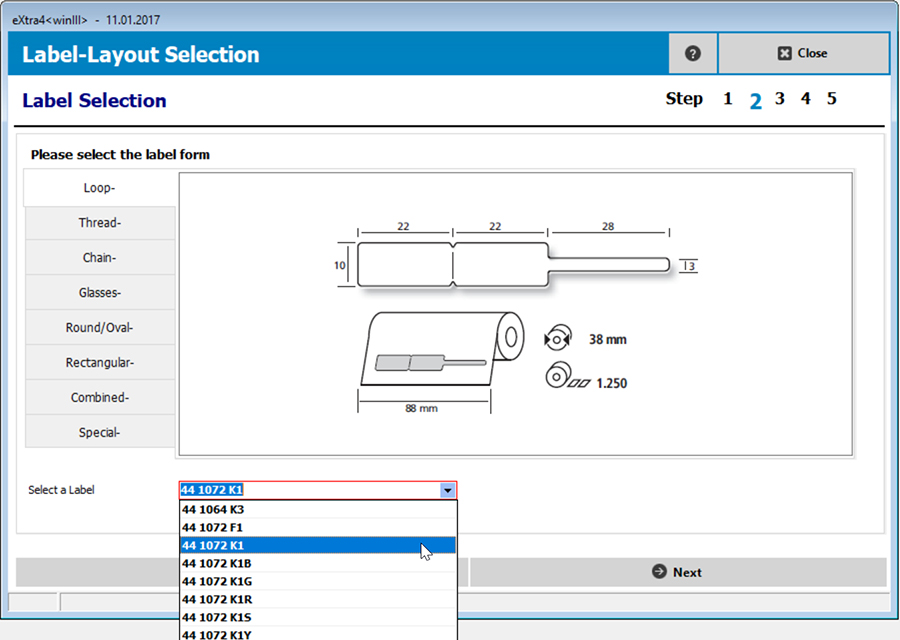
Reliability and highest precision are guaranteed when printing labels with eXtra4<winIII>, with no need for the user to lay hands on that oneself. Software users rely on our expertise as a label manufacturer and simply select the suitable label design from a range of ready-to-use label designs.
For more than 400 different label shapes, the label printing software eXtra4<winIII> has over 1,000 finished label layouts ready for use. The label/layout assistant supports the user so that the decision is easy when making the selection.
Predefined label texts
Fill entry fields without typing
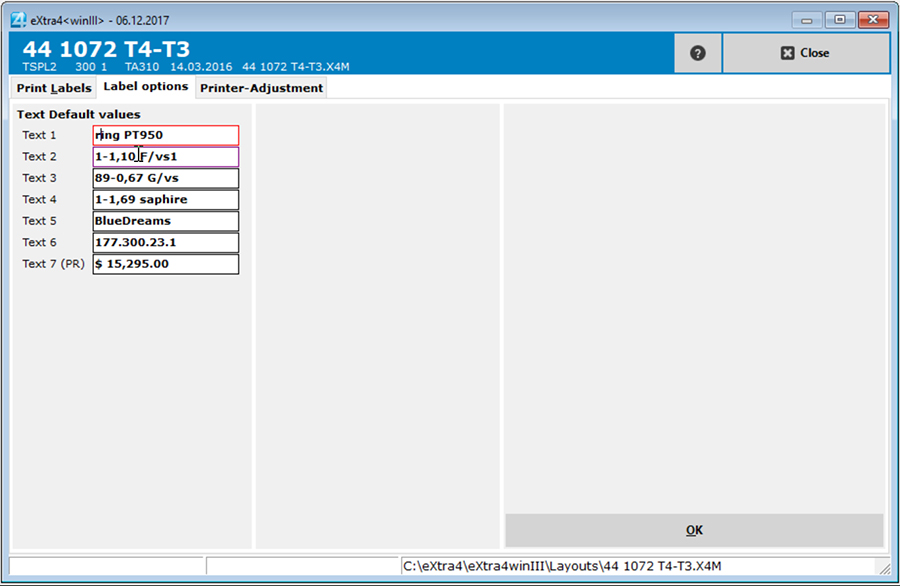
The label printing software eXtra4<winIII> offers the possibility to pre-fill label layouts with texts to those who want to print labels with similar text repeatedly without having to enter the data again.
As soon as the label layout is called up for data entry, the entry mask appears with already filled in input fields. The preset standard text only needs to be corrected in details, e.g. individual values for weight and size. This reduces the time and effort required for data acquisition.
Preassigned text fields also help to comply with certain labelling standards. There, it is determined which information is to be mandatory on the label and where it is to appear. Entry fields for text presettings can be found in the label printing program eXtra4<winIII> under the tab "Label Settings".
Barcode Printing
Streamline with barcode labels
A barcode is the machine-readable form of an item number. If you want to streamline processes with barcodes, you should already use item numbers to organize goods. Scanning the barcode on the label can then replace manually typing in the item number each time the item is accessed. This saves time and prevents incorrect entries.
Generate bar codes - automatically
The label printing program eXtra4<winIII> is able to generate a barcode from an item number and print it on a label. The item number can be typed in manually, read in by scanner or taken from the article data record of a database. The barcode type into which an item number is converted depends on the type of item number (numeric, alphanumeric, number of digits) and the layout used for label printing.
Logo Printing
Print yourself labels with your own logo
Users can use the label printing software eXtra4<winIII> to apply their own company logo to their labels. The program transfers the signet into the entry mask and outputs it together with the individual data on the label - printed in the same colour and resolution as the other label content.
Multi-colour logo printing in high quality is not possible with a common thermal transfer label printer. As a label producer, we are happy to produce labels with logo, high-quality pre-printed in professional colour printing, on request.
Printing logos as bitmap graphics
To enable the label printing software eXtra4<winIII> to output a logo, the graphic must be available as a bitmap. Experienced users can implement their logo themselves. For all other users we take over this task for a small fee.
The logo as a bitmap graphic is loaded via the label printing software eXtra4<winIII> into the corresponding label layout and stored in the main memory of the connected label printer. The logo is then ready for printing each time the label is called up.
Printer Management
How to securely connect and manage label printers
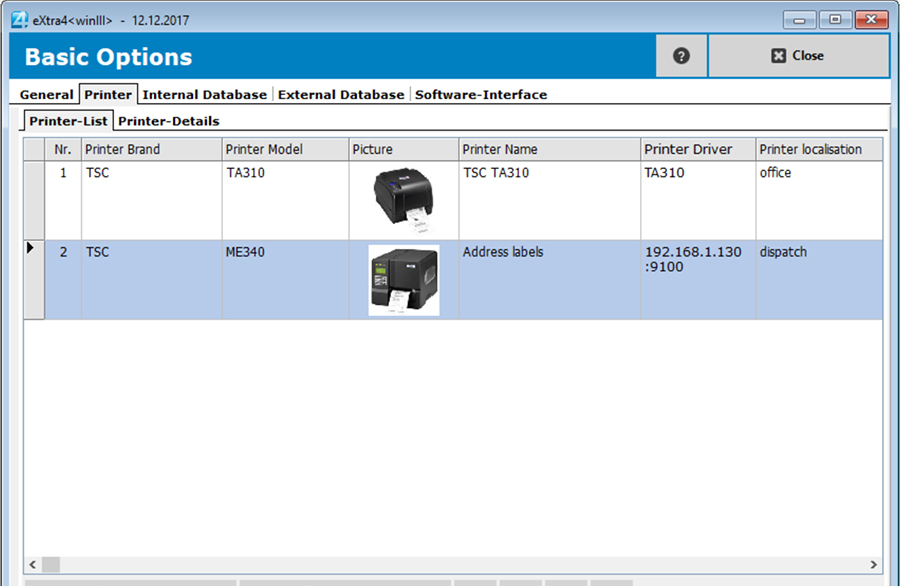
Precise and clear label printing is based on precise control of the label printer. Therefore users are carefully guided by the label printing software eXtra4<winIII> when they connect their devices to the application.
The technical parameters of the label printer determine the selection of labels, i.e. which shapes and sizes are provided by the eXtra4<winIII> software. At the same time, they limit the number of label designs to the possibilities of the device. A clearly arranged list shows all connected label printers in detail and forms the basis for all subsequent printing processes.
Basic function label printing
Label printing is based on a large, ever-growing pool of pre-configured labels. The programm eXtra4<winIII> has already done the label design, thus relieving its users of this often complex work.The user's task is reduced to selecting from defined lists and entering individual data. The software supports the users of all editions with the same features. They make label printing with eXtra4<winIII> simple and easy for everyone to understand.

Our labelling systems in the field of software and associated services are supported by our subsidiary eXtra4 Software+Service GmbH.
Step-by-step instructions
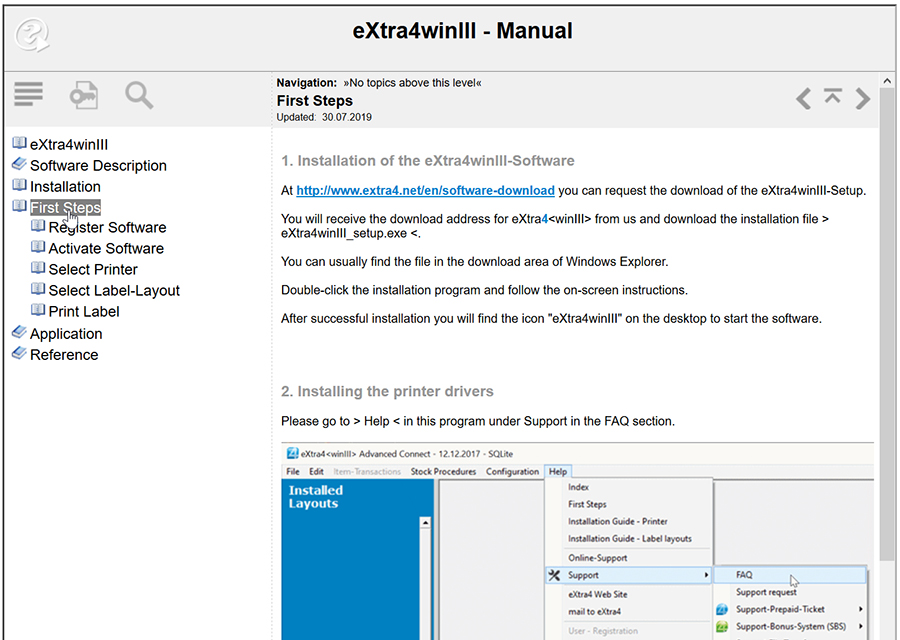
The label printing software eXtra4<winIII> works with a detailed help function. A separate help window opens from within the software. Now the user can easily go through the instructions step by step and implement them in the application at the same time. Even inexperienced users will quickly find their way through the programm eXtra4<winIII> thanks to the instructions with concise text and many pictures.
Answers to important questions - FAQ
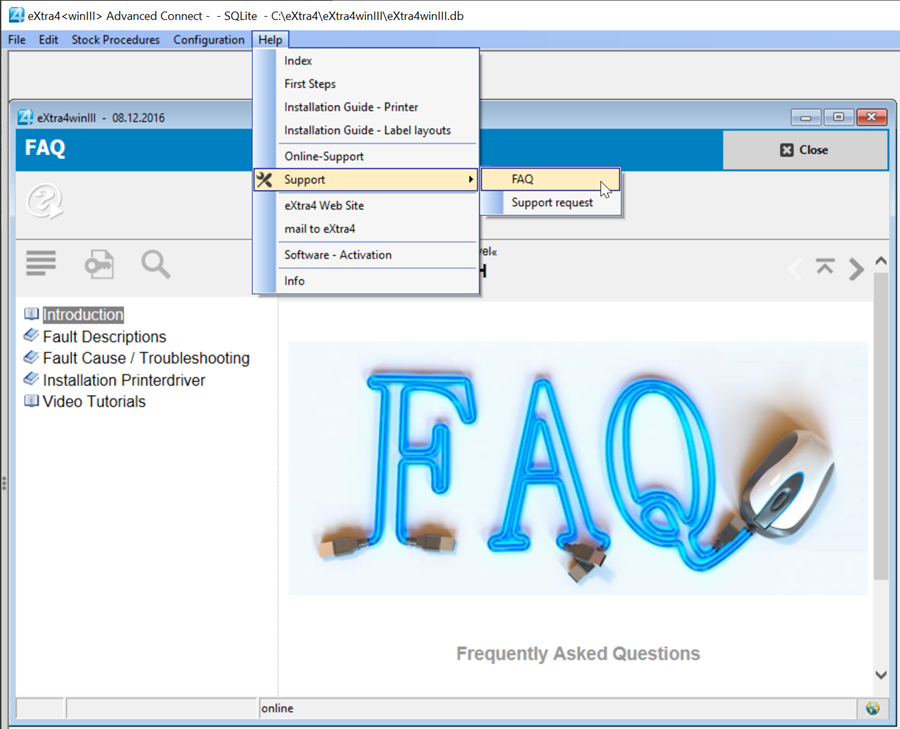
For questions that our support frequently hears from users of the label printing software eXtra4<winIII> we have a comprehensive catalogue of answers in our FAQ section. A separate FAQ window opens from within the program under the keyword "Support" in the help area of the main menu on click. There you can choose between different topics, among others the installation of a printer driver, which is decisive for the commissioning of the software. With the detailed illustrated instructions, even inexperienced users can quickly help themselves.If you prefer active support over theoretical help, we recommend that you contact our support team. We generally provide support by telephone and online (remote). If you need support, we will be happy to help you. Contact us at +49 7231 94790 or by mail.

Label printing software Edition <Lite>
Test eXtra4<winIII> as full version
The label printing software eXtra4<winIII> in Edition „Lite“ works as a fully functional basic version. It allows to use the software core function, the label printing comfortably, - free of charge and without time limit. As a user, you are thus able to connect a printer, have up to 4 label layouts ready as entry masks, enter data into the layout of your selected label and print out any number of labels.In the first days after installation eXtra4<winIII> Edition „Lite“ provides additional functions of the program for testing. The release as test version is limited to 60 days.

![]() | ||||
|---|---|---|---|---|
| 1 | 4 | ∞ | 0 | 0,00 |
| Printers connectable |
Label - layouts |
Label circulation |
Support units |
Price in € |
eXtra4<winIII> Edition „Lite“ for Microsoft platform
Label printing can be realised free of charge exclusively for Windows computers with software eXtra4<winIII> edition "Lite".System requirements for label printing with eXtra4

Our labelling systems in the field of software and associated services are supported by our subsidiary eXtra4 Software+Service GmbH.

Edition <Lite> as developer tool
Use eXtra4<winIII> as software component
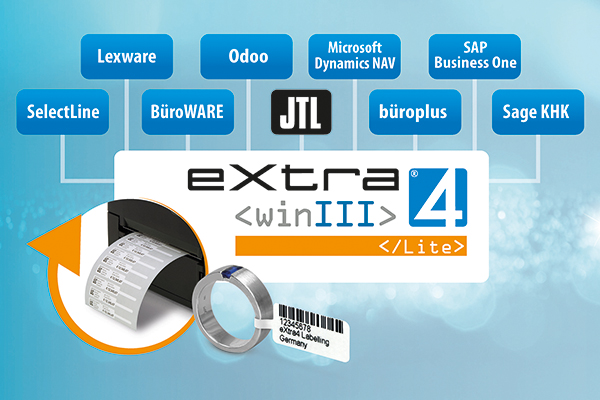
In the hands of software specialists, eXtra4<winIII> Edition "Lite" can also become an efficient tool for implementing label printing in third-party software. Already installed applications for stock management and ERP, e.g. Sage KHK, JTL, Selectline, Office+ or SAP Business One and many more, can be extended by the IT experts on site with the user-friendly printing of labels. Software companies can also use eXtra4<winIII> Edition „Lite“ as an OEM component and add the label printing function to their own products without the need for programming.
The integration of eXtra4<winIII> Edition „Lite“ as a software module for label printing always requires individual consulting. If you are interested in easy access to label printing for your local application or your own software product, please contact our support team.
Download und Installation
To download eXtra4<winIII> Edition „Lite“, the basic version of the label printing software, we need the address data of the prospektive user. You will receive the download link and your personal license number for the program by e-mail. A double click on the download link in the mail downloads the software into the download area of the computer. A double click on the program file triggers the installation on the computer.Activation and trial volume
After download and installation the software must be activated as Edition "Lite". This is done under the personal license number of the registered user via the help function of the program. Only then will Edition "Lite" be available in its full scope. Until the activation the program runs only in its lowest version, the edition "Ultra Lite".If a user is interested in the program features of further developed software versions, higher editions of the label printing software eXtra4<winIII>
Support and service times
As a free trial version eXtra4<winIII> Edition „Lite“ does not include any inclusive support services. If you need support, we will be happy to help you fee-based with advice. Please contact us at +49 7231 94790 or by mail.Mail with download link, entry as registered user, shipping of license number and activation are not done automaticaly, but immediately within our office hours (Mon - Thu 8.00-16.30, Fri 8.00-12.00). During these times we also support you.
OUR NOVELITIES
WORLDWIDE DELIVERY...
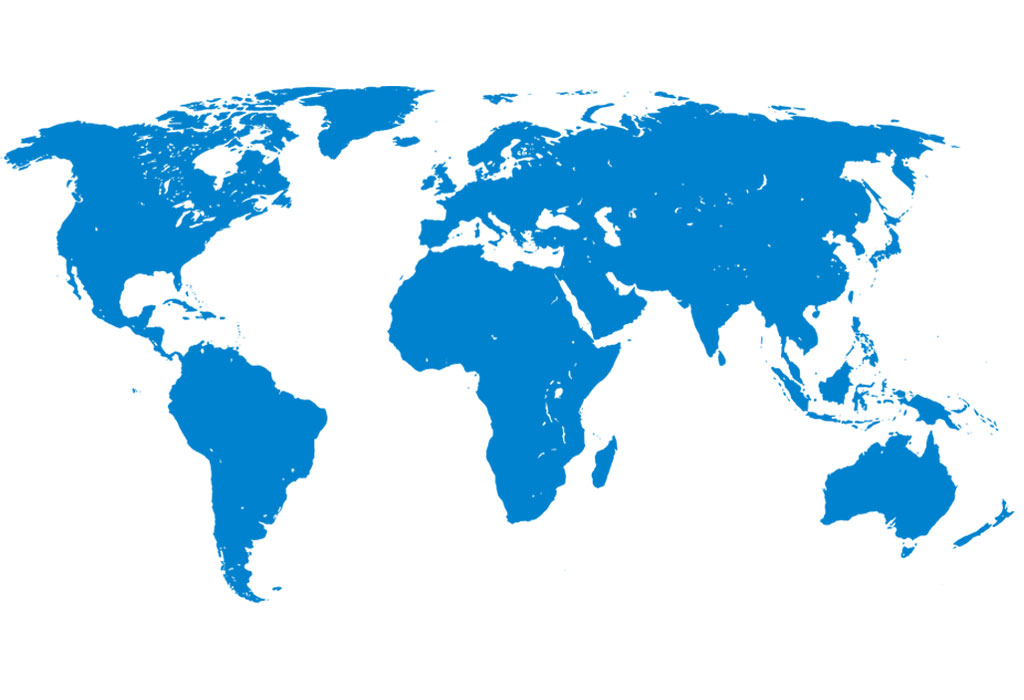
eXtra4 Labelling Systems operates internationally - focusing on the market for jewellery, watches and gemstones. We supply customers around the globe. In more than 25 countries we have representatives for labels and label printing systems.
Our labelling systems in the field of software and associated services are supported by our subsidiary eXtra4 Software+Service GmbH.

TOP SELLER