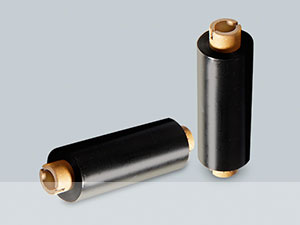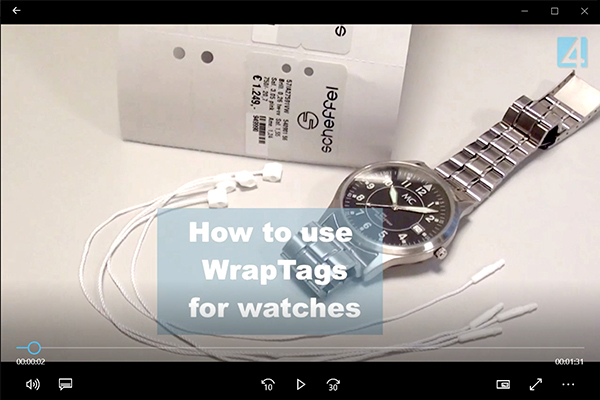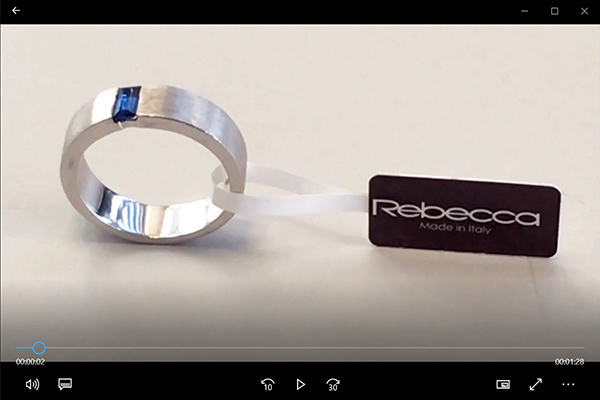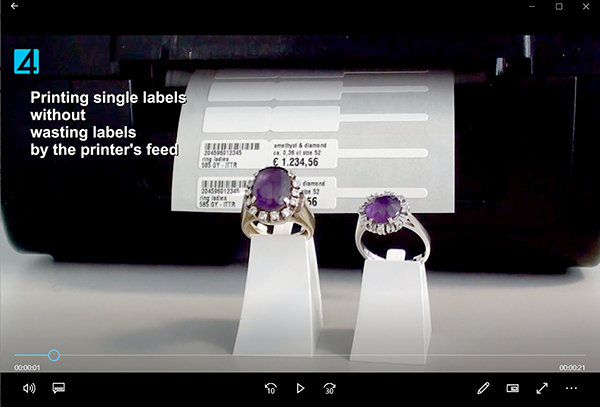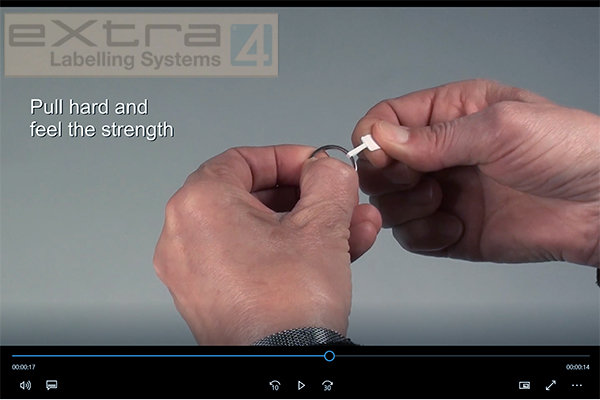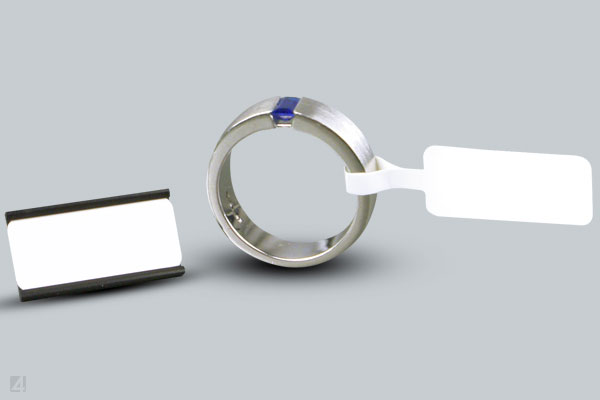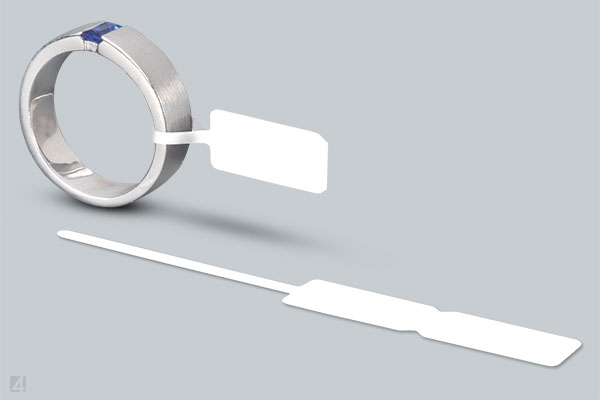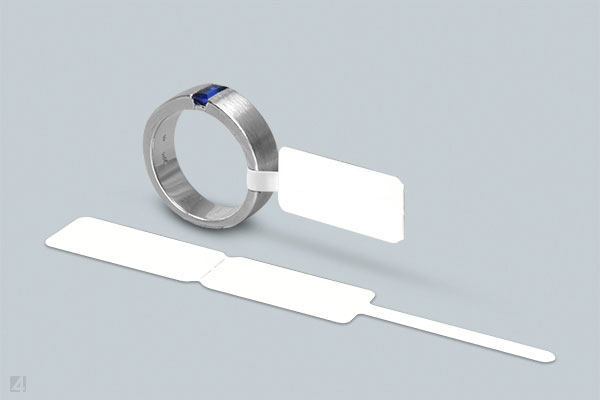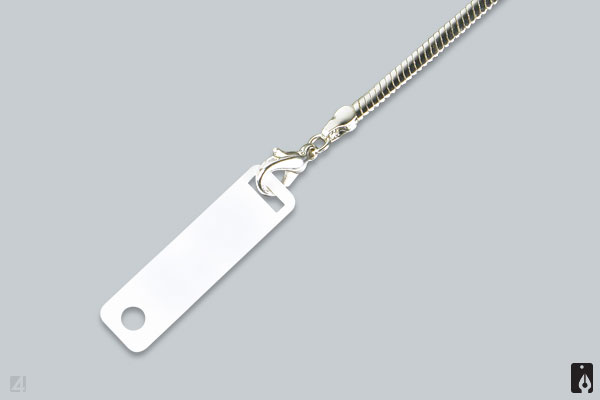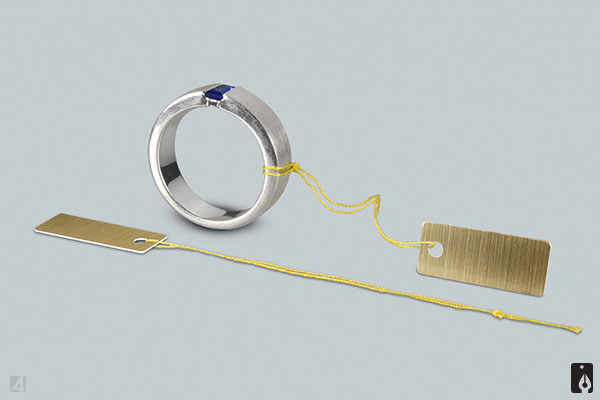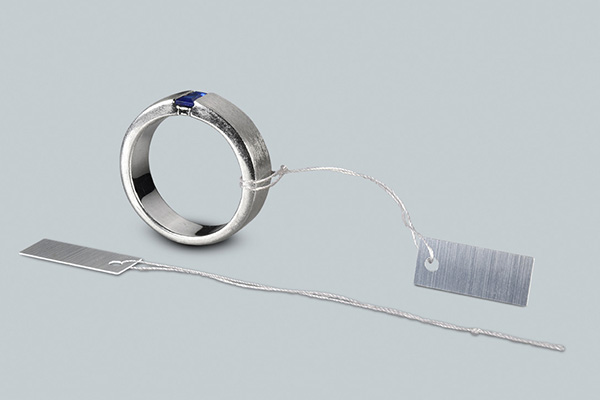
for jewellers and manufacturers
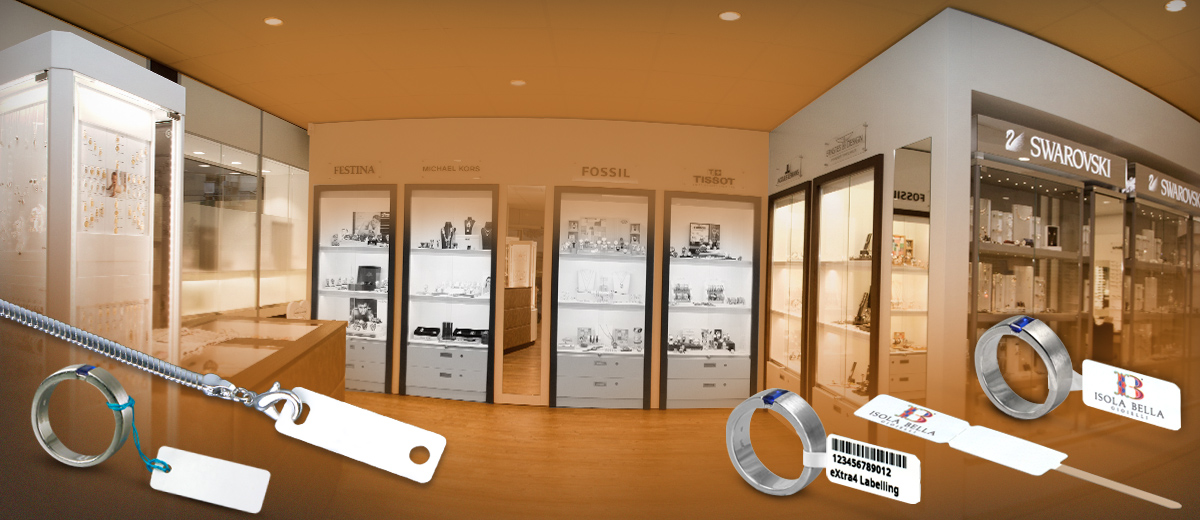
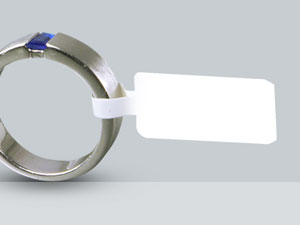
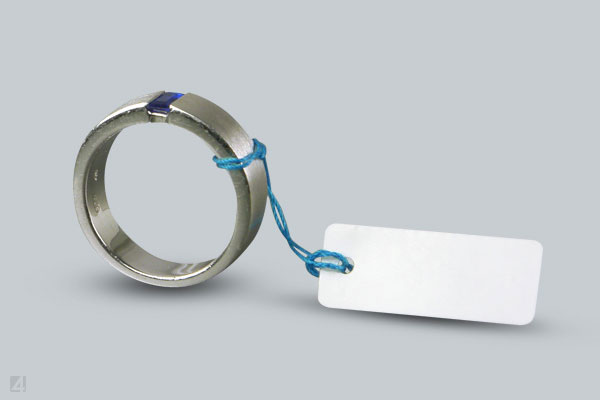
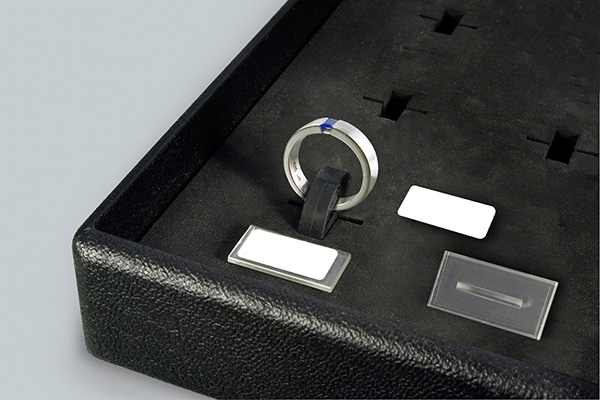
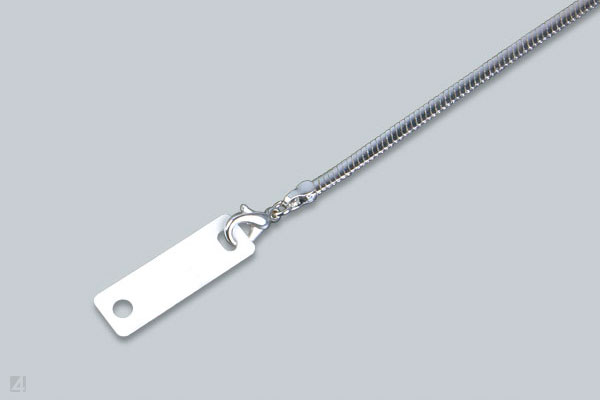
plain or with individual logo
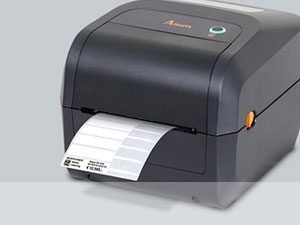
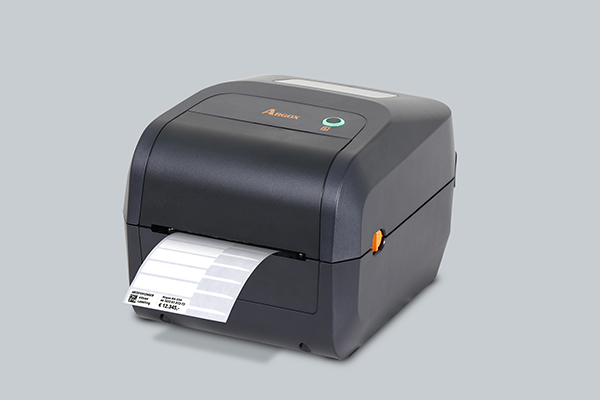
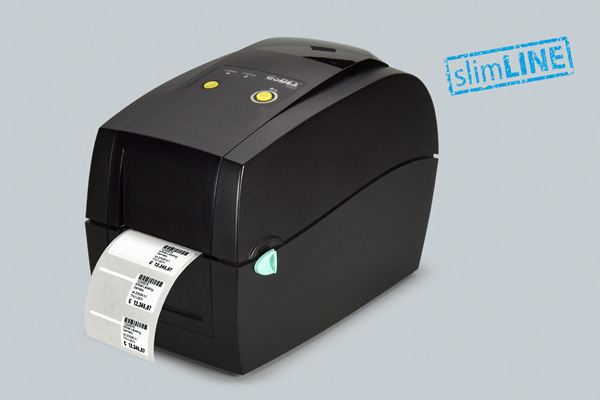
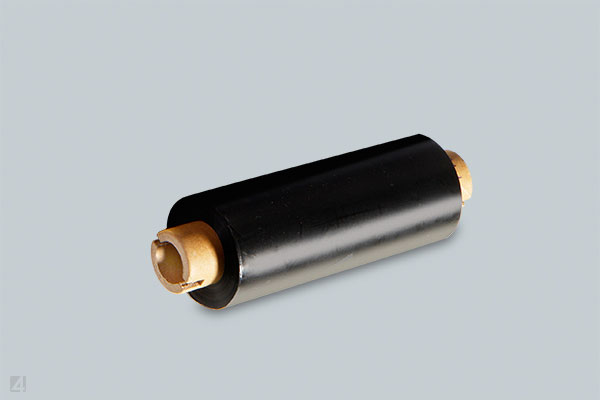
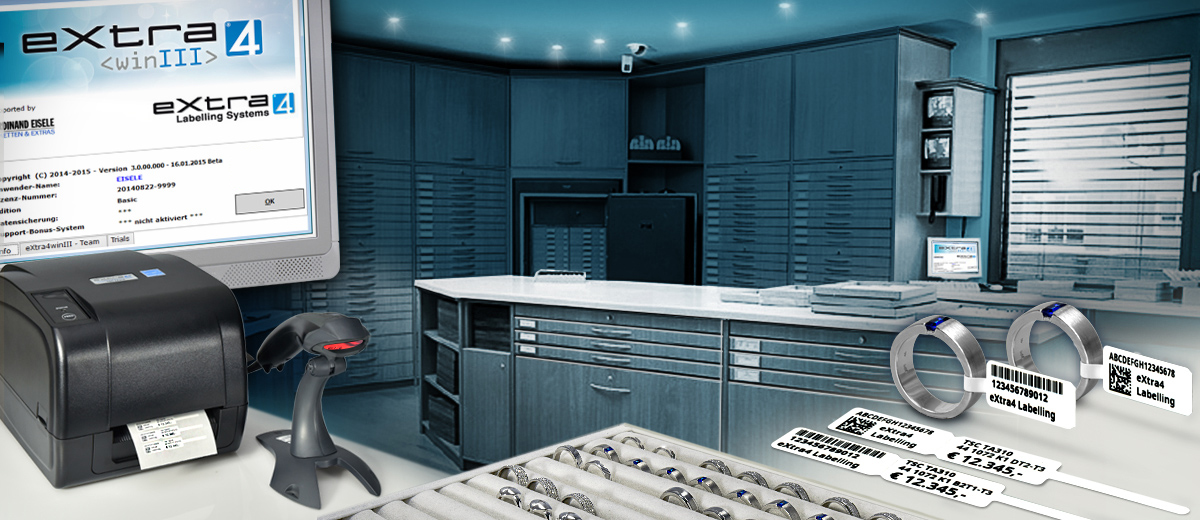
for marking in a label printer

OUR PRODUCT RANGE
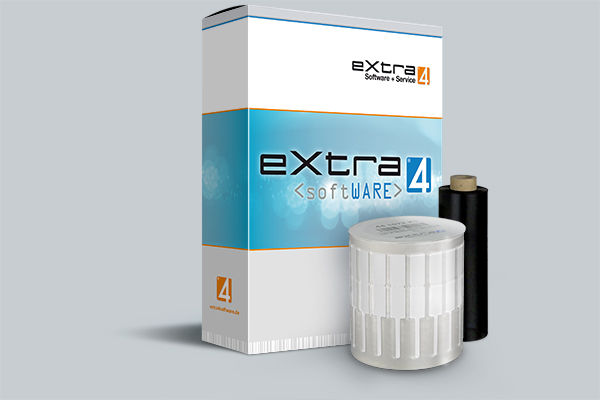
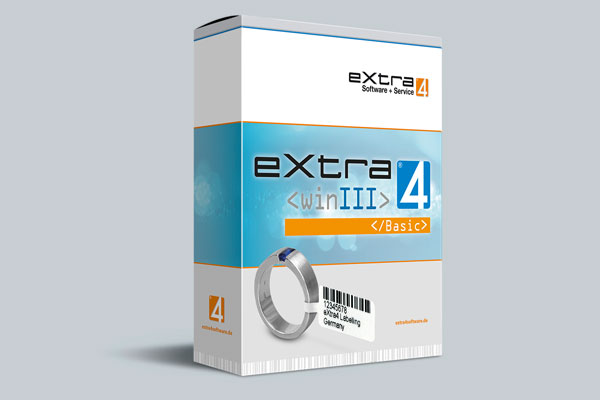
Download the software <eXtra4winIII>
How to get the free basic version
To download the label printing software eXtra4<winIII> we need the address data of the new user. Please click on the download icon, fill out the form and send it.You will receive the download link for the program by e-mail. A double click on the download link in the mail downloads the software into the download area of your computer. A double click on the program file triggers the installation on the computer. Now the label printing program eXtra4
Through activation to the edition
In order to use the label printing program eXtra4<winIII> in the desired edition, the software must be activated. This is done under the personal license number via the help function of the program.
You receive your personal license number by purchasing a paid edition or by registering (in the help function of the program, only for Edition Lite). Only after activation is the software available in the scope of the corresponding edition.
Purchase of a software edition of eXtra4<winIII>
With license number to the authorized user
For the purchase of a certain software edition of the label printing program eXtra4<winIII> we need, in addition to the address data of the future user, information about the label printer to be used. Please click on the buy icon, fill out the form and send it off. You will receive an order confirmation and your personal license number for the ordered edtion according to your specifications in the form.If you would like to print labels with eXtra4<winIII> in an edition of the program that is still under development or is available as a beta version, please contact our support team.
Free software editions of eXtra4<winIII>
Use label printing for free
With the editions "Ultra Lite" and "Lite" users can print labels with the program eXtra4<winIII> for free. The simplest software version "Ultra Lite" is available by clicking on the download icon.For an upgrade to Edition "Lite", users of Edition "Ultra Lite" can register from within the program via the help function. For confirmation, the user will receive his personal license number by e-mail.
Support when downloading eXtra4<winIII>
The label printing program eXtra4<winIII> is specifically designed for easy handling. Should you nevertheless be unsure, we will gladly assist you with the first steps. Please contact our support team at +49 7231 94790 or via Mail.
Support contingent included in price
The price of a paid edition of eXtra4<winIII> includes the software license and an inclusive contingent of support units (1 unit = 6 minutes). Of course, we also support users of free program editions without inclusive support within the framework of ourSupport-Ticket-Systems >>

Support and service times
We generally provide support by telephone and online (remote). We are happy to help you with words and deeds during our office hours (Mon - Thu 8.00-16.30, Fri 8.00-12.00).
eXtra4<gemID>
Software for the Management of Gemstones
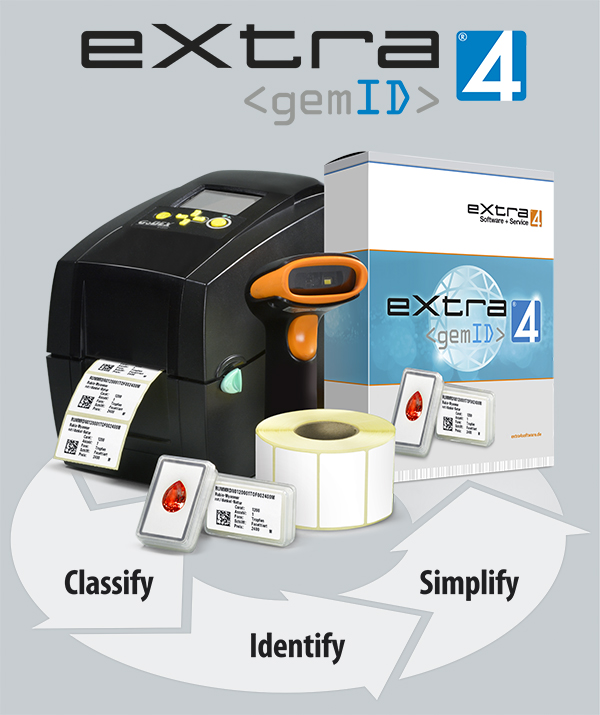
Efficiently manage stones with labels
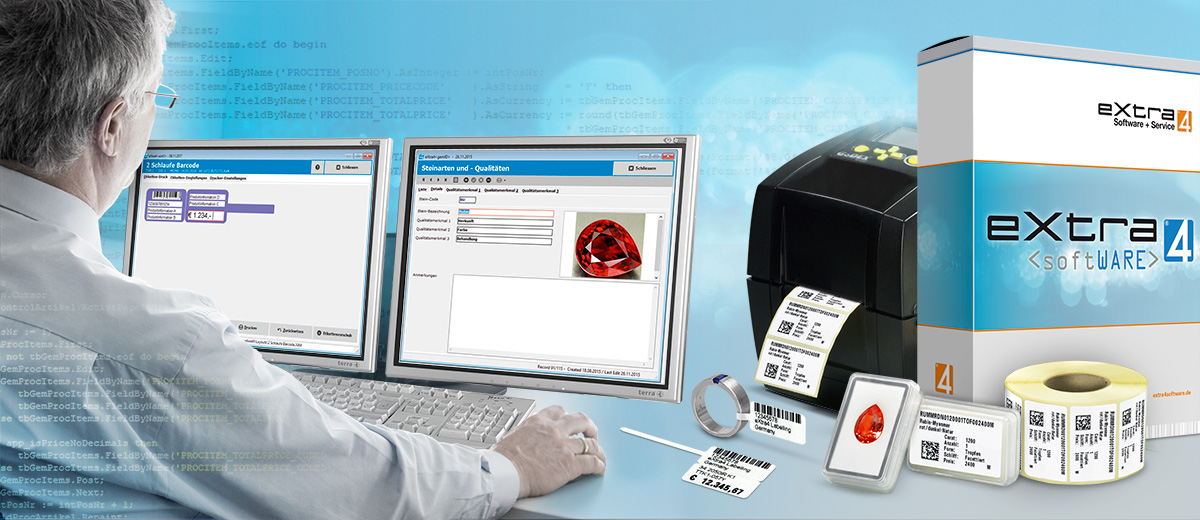
Labels are the key to stone management with eXtra4<gemID>. They carry the unique identity of each stone as coded imprint. In contrast to conventional software for merchandise management, the program eXtra4<gemID> masters the management of the combinatorial variety of quality features, which is decisive for gemstones.The coded label was developed especially for and with industry insiders to efficiently handle gemstones:
• classifiy
• identifiy
• rationalize
Faster by scanning instead of writing
Consistent labelling of the entire gemstone stock with the Ident-Code of eXtra4<gemID> results in an immediately noticeable increase in efficiency in the entire administration process. The scanning of the code provides all relevant information of each stone at any place at any time. Complex manual capturing is no longer necessary. This saves time, errors and costs:• less effort in trade fair preparation
• easier order entry
• faster invoicing
Software editions of eXtra4<gemID>
Stone management as required
Currently the gemstone programm eXtra4<gemID> is available in 2 versions:![]() | ||||
|---|---|---|---|---|
| 25 | 299,- | |||
| |
Support Units |
Price in € |
||

![]() | ||||
|---|---|---|---|---|
| 80 | 999,- | |||
| |
Support Units |
Price in € |
||
Stone classification as software core
Individual assortment structure as Basis for eXtra4<gemID>
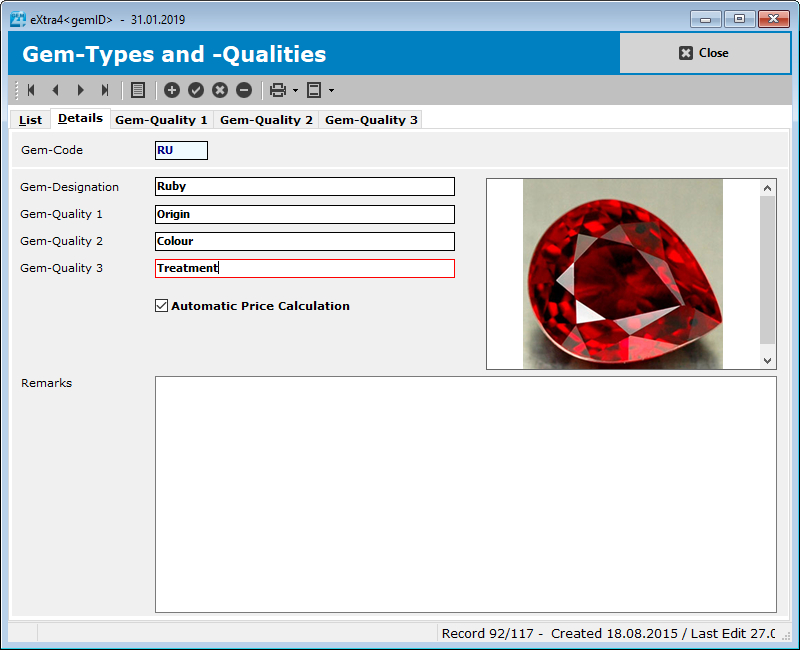
The central element of eXtra4<gemID>, the stone management program, is the classification of gems. Therefore, as a first step, each user stores all relevant types of stones and their qualities in the software:For each type of stone, several typical quality characteristics can be defined, such as country of origin, colours, purity or types of treatment. The characteristics, in turn, can be defined in unlimited quantities: For "color", for example, the variants "red", "dark red", "red-orange", etc. can be defined.
Individual stone profile as target
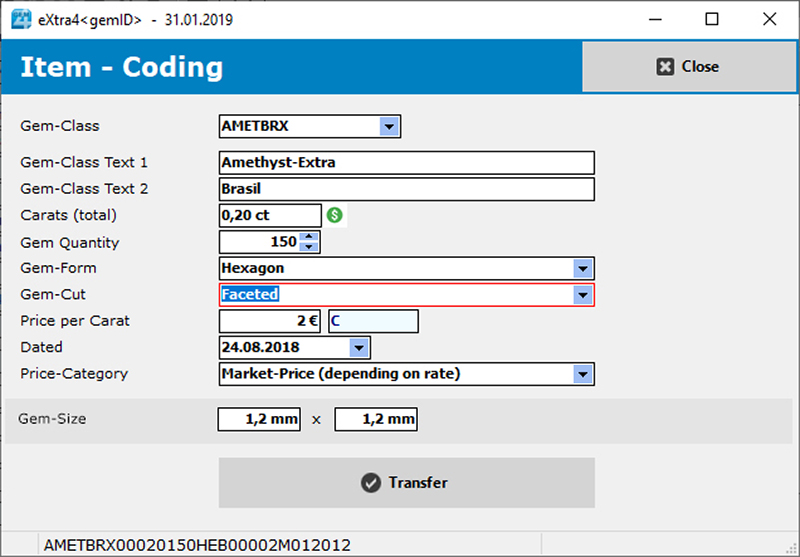
Further classification criteria result from the type and shape of cut and other processing options. If stone types and qualities have been created, the stone classes are formed from their combination as the basis for pricing. In addition, a photo can be inserted as a reference point to make it easier to assign a stone to its class. In combination with the stone weight in carat, the classification within the software eXtra4<gemID> finally gives each individual gemstone a profile as unique specimen via its individual characteristics.
Ident-Codes for gemstones with eXtra4<gemID>
Rationalisation through the use of encrypted labels
The unique identity of each gemstone, the result of the classification, is encoded by the program Programm eXtra4<gemID> for stone management in alphanumeric code. It contains both letters and numbers and contains 25 digits. Thanks to this considerable size, the code can contain all the data necessary for the distribution of a gemstone.The individual data profile is used to label the individual stones. It is printed on the label in three different shapes:
• as a speaking key, understandable for trained sales personnel,
• as machine-readable matrix code for scanner use
• as plain text in excerpts for the customer talk.
Matrix-Codes – a lot of data in little space
Only the use of two-dimensional matrix codes allows the use of labels in a size suitable for standard stone boxes. In contrast to one-dimensional barcodes, they are able to encrypt data volumes to the required extent in the smallest of spaces.With the box available directly on the stone, the coded label offers access to all sales-relevant data at any time and anywhere - without any connection to a database. The data can be read out by scanner and conveniently processed further.
eXtra4<gemID> system compatible to Microsoft and Apple
Whether Microsoft or Apple - users are free to choose which computer they use for gemstone management. Originally a Windows program, eXtra4<gemID> plattformunabhängig. It runs under Windows as well as under OSX and Linux. We accompany Apple users through the first steps.Please contact the eXtra4-Support.
Licensing and language versions
The gemstone software eXtra4<gemID> is geared to the needs of the industry and its often family-structured businesses. So that all employees can work with the gemstone management, the purchase of a license of eXtra4<gemID>The gemstone management software eXtra4<gemID> is aimed at the international market. Accordingly, the software is bilingual. The user can choose between German and English.
Purchase and Support
If you are considering purchasing the software eXtra4<gemID> for stone management, you will receive the full version of the program for testing as soon as you fill out and send the form that appears when you click on the buy icon. Our support experts will then take care of adapting the program to the local conditions. Therefore, the purchase price of the stone management eXtra4<gemID> already includes an inclusive contingent of support units (1 unit = 6 minutes).We generally provide support by telephone and online (remotely) during our office hours (Mon – Thu 8.00-16.30, Fri 8.00-12.00). Please contact us via phone +49 7231 94790 or via mail.
eXtra4<dropIT>
Print-Tool for eXtra4<winIII>
Manual data transfer for label printing from third-party systems
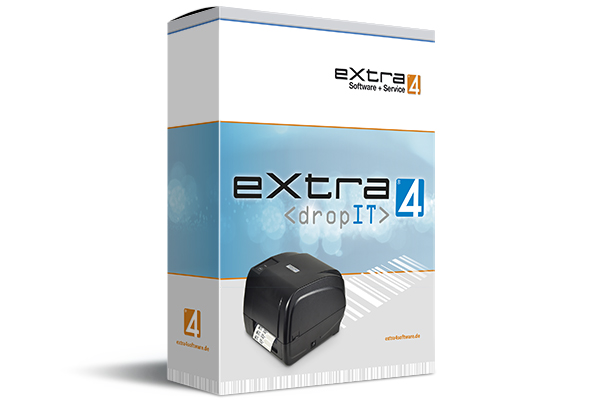
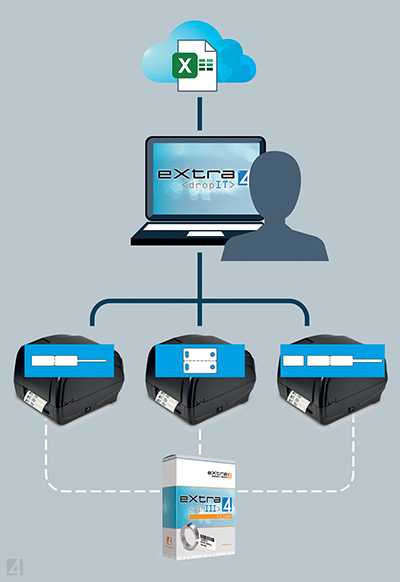
As an independent front-end software, eXtra4<dropit> is actively operated by the user. He picks up data in any data source via copy command (Ctrl+C) and drops it focused into the window of eXtra4<dropIT> .Due to the copy process, the label printer can work independently of the type of data source, such as PDF document, spread sheet table or data record of a database, and independent of its storage location: whether local computer, central server or cloud, eXtra4<dropIT> works without access to the third-party system.
From copy to label by scripting
The task of eXtra4<dropIT> as a printing tool is the conversion of the copied data into printable labels. The software uses scripting technology for this purpose. A script program must be created individually. It generates and transfers not only the printable label contents, but also the necessary control commands for the connected printer.
In order to correctly interpret the data transferred by eXtra4<dropIT> for the upcoming print job, the target printer must be prepared. The configuration in advance is done by the label printing software eXtra4<winIII> in its free edition "Lite".
Therefore, the purchase price includes one individually created script for printing a label with one defined design as well as 25 units of support (25 x 6 min = 2.5 hrs worth approx. € 175). Each additional script will be charged according to time and effort (approx. € 100).
![]() | ||||
|---|---|---|---|---|
| 25 | 399,- | |||
| |
Support units |
Price in € |
||
eXtra4<dropIT>
Printing process manually or automatically
After storing the copied data in the software window, eXtra4<dropIT> offers the user two options for handling the printing process:Manual handling of the print job
In manual printing mode, eXtra4<dropIT> generates a preview of the label waiting for output in the program window. Here, the user has the possibility to edit label contents as desired. If more than one printed label is desired, the print run can also be changed. In order for the printer to start, the user must manually trigger the printing process at the end.
Automatic handling of the print job
In automatic mode, eXtra4<dropIT> does not allow the user to influence the print job, neither on the label contents, nor on the print run. However, it is possible to make the automatic mode more flexible by adding passwords to the copied source data, which the script converts into defined control commands. The user can decide whether only the storing of data in the clipboard triggers the printing process or whether the activation of the window after the copying process is already sufficient.
Operating conditions for eXtra4<dropIT>
As a Windows software, the print-tool eXtra4<dropIT> matches the corresponding label printing software eXtra4<winIII>. It is only compatible with Microsoft systems. The use of eXtra4<dropIT> always requires advice from our experts.Please contact our support team.

Our labelling systems in the field of software and associated services are supported by our subsidiary eXtra4 Software+Service GmbH.
License rights
In order to allow all employees to print labels, the purchase of a license of eXtra4 Printing Tools for label printing with eXtra4<winIII> Edition "Lite" includes the possibility to use the program on any number of computers within a company (site license).
If a company has several locations, a separate license must be purchased for each location.
Support and service times
The purchase of eXtra4<dropIT> for use on the basis of eXtra4<winIII> includes 25 units of inclusive support (10x 6 minutes), because the integration of the software into the system on site requires the support of our software experts.We generally provide support by telephone and online (remotely) during our business hours (Mon - Thu 8.00-16.30, Fri 8.00-12.00).
Please contact us at +49 7231 94790 or by mail.
Gemstone management with software Edition <Business RFID>
RFID-based gemstone management
via eXtra4<gemID>
The software edition "Business RFID" combines all possibilities of gemstone management in multi-user mode via eXtra4<gemID> with the advantages of RFID-based item identification. Especially the stock control, which can be carried out quickly with RFID, lifts the organization of gemstones to a new level in the direction of digitalization.
As edition "Business RFID", the Software eXtra4<gemID>“ s currently still under development.
Labeling with code and transponder
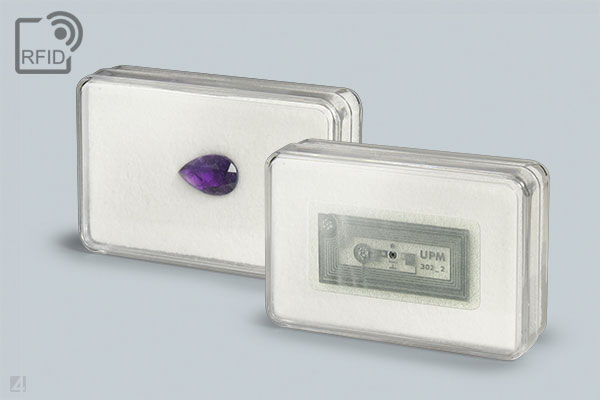
Labelling using RFID is based both on data in optically readable form and on electronically readable data. The label bears the typical stone code of eXtra4<gemID> as imprint, recognizable for the human eye and for the barcode scanner. At the same time, electronic information is attached to each gemstone via transponder in its box, interpretable within fractions of a second for an RFID reader.![]() | ||||
|---|---|---|---|---|
| 240 | 3.000,- | |||
| |
Support Units |
Price in € |
||
Overview software features
Functions of the Edition <Business RFID>
Gemstone Management
Process management with Address management + Stock control
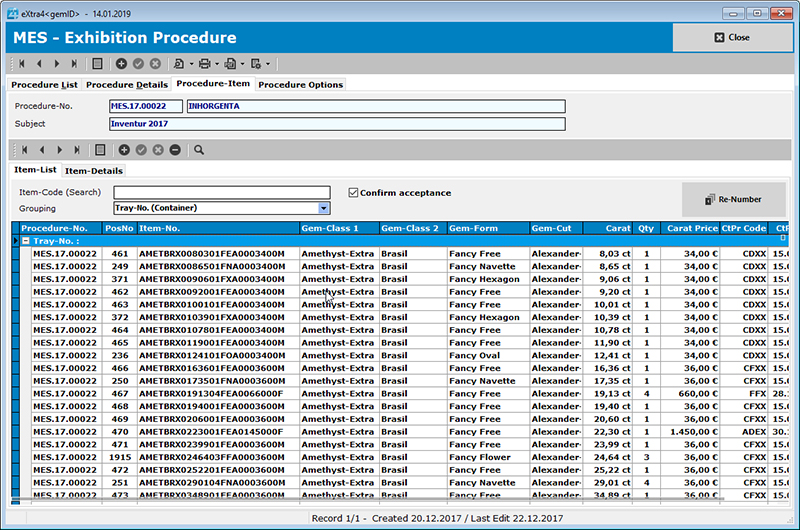
In addition to the sale of gemstones, extra4<gemID> also manages processes upstream of the sale, such as trade fair supplies, sales force trips and customer buy-or-returns resp. selections for interested parties. Common to all these processes is the change of storage location for a gem item, i.e. the permanent or temporary removal of a gemstone from the main warehouse.
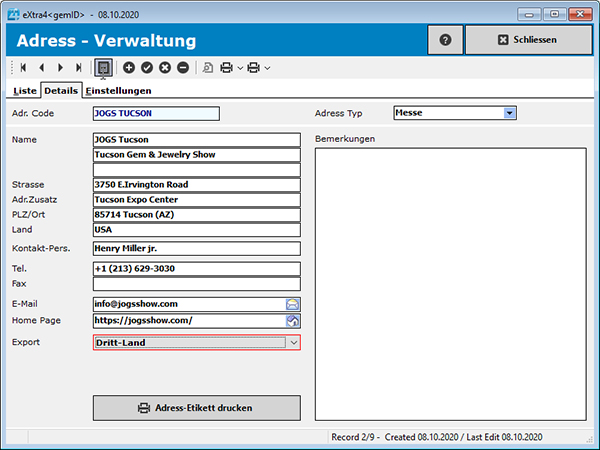
The new storage location is represented in the software by its address, e.g. that of the customer for a sales transaction or the trade fair location for a planned trade fair. Therefore, an address management is integrated into the process management in extra4<gemID>.
Handling of processes
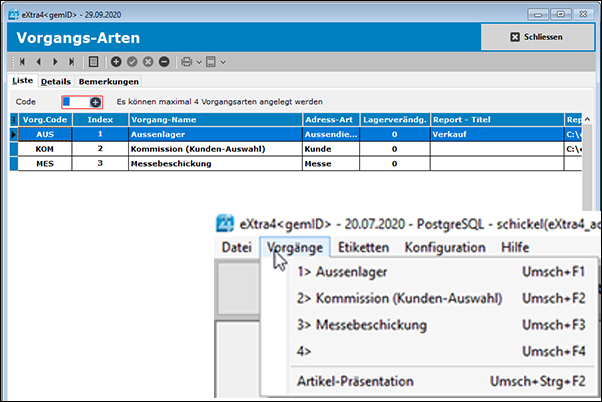
The user can define which processes extra4<gemID> should manage. Currently, 4 different process types can be defined in the software. A real business process must be set up under its process type. Its rule-compliant handling is then divided into three sections:
a) Maintenance of processes
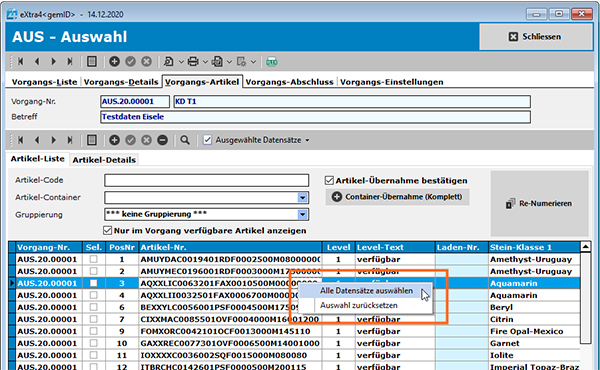
Loading the process with gem items, gem sets or already completely filled containers (trays) takes these objects from the main warehouse and assigns them to the process. The allocation of objects is to be understood as a stock transfer and to be regarded like a booking. The booked gems are no longer available for other processes, so they are blocked until they are sold or reversed.
b) Process control - stock control
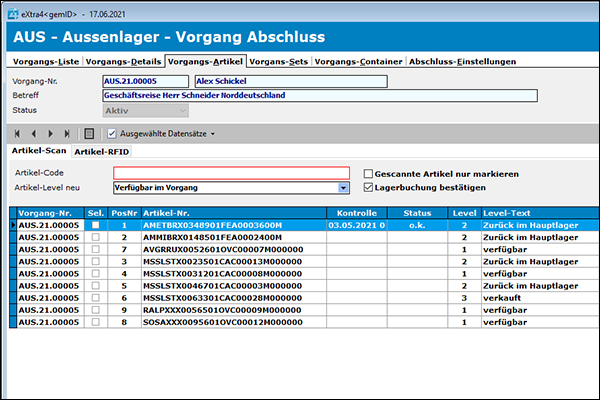
The item stock of a process can be controlled at any time. Five booking states show in the item directory where an object from the main warehouse is currently located:
• available in the process
• sold
• available in daughter process
• reversed to main warehouse
• lost
Depending on the type of process, various frequencies for stock control are conceivable: once for sales processes, twice for buy-or-returns, for trade fair and sales force processes more frequently, e.g. at the end of each day, for particular containers possibly even several times a day. The scanning of the eXtra4 gem code on each item only makes monitoring possible that way. It becomes even more efficient with the additional use of RFID.
c) Process closure
Only a rule-compliant closing of an process unblocks its warehouse objects (gem items, sets, containers) and makes them accessible for bookings again. Processes that cause a decrease of the stock, e.g. sales, can be closed per lump sum basis.
The whereabouts of each item is decided individually in case of selective closing. It is mandatory for process that do not cause an immediate alteration in the stock by adding an item, e.g. buy-or-return and trade fair supplies.
Presentation module / Sales Force functions
The presentation module supports sales activities of office staff and field staff. In order to be able to work with it independently of internet access, sales force computers must always have the current data stock loaded.
Presentation of gemstone stock
The eXtra4<gemID> software considers as presentation everything that serves the sales initiation, but does not result in a direct stock alteration, e.g. a preparatory selection of stones. It does not yet trigger a booking, but is to be understood merely as a summary of gem items.
Cart collects stone selection
In eXtra4<gemID>, the cart is used for summarizing gem items. The cart, comparable to an order, accommodates all items that are shortlisted.
Cart setup via address
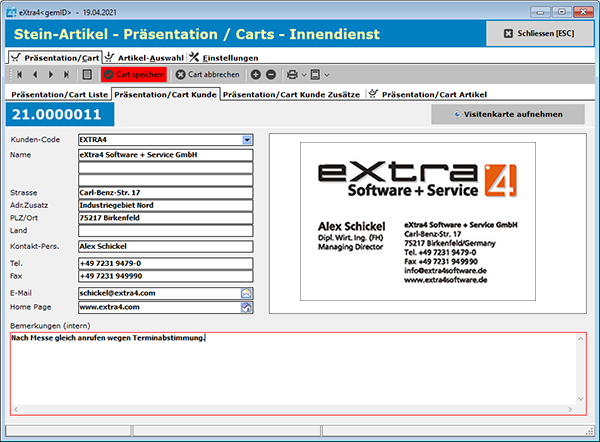
Each presentation has to start with setting up a cart. This is basically done with reference to address data of a customer/prospect. For assigning the address, eXtra4<gemID> offers three possibilities:
• data transfer from clients data base
• manual data collection
• photo attachment, e.g. of a business card
Fast data transfer via Cart
The Cart makes processes from trade shows and sales force transportable - unbureaucratically and quickly. In terms of data, the Cart corresponds to a small database. It is transmitted by e-mail to the head office. There, a process is set up from the data content in a formally correct way. Only then bookings of gem items are made. The cart itself is not linked to any booking and can simply be discarded without completion.
Media management
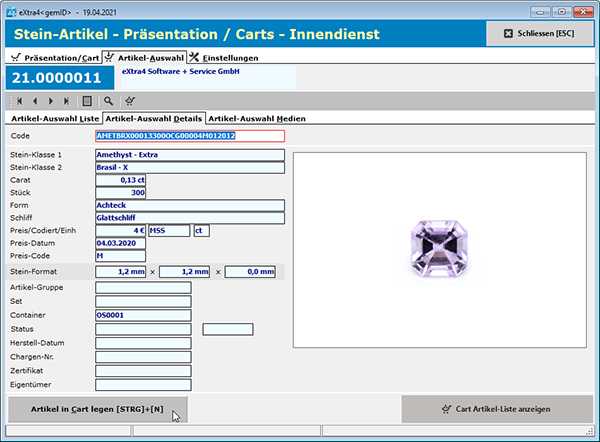
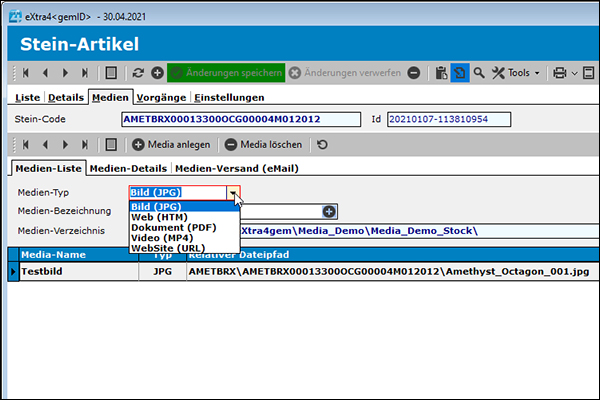
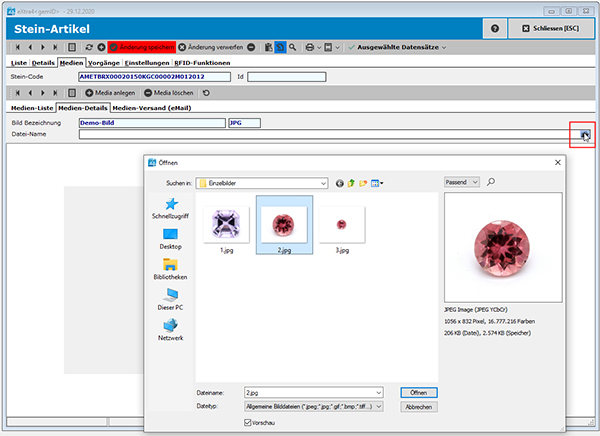
Important part of the presentation module is the media management. It organizes data to illustrate a gemstone, such as professional photos, movies and documents. Due to their large data volume, these files are unwieldy for mobile use and unsuitable for direct dispatch.
Web space as media library
To make large data volumes manageable, the media management of eXtra4<gemID> is based on a web space. It offers sufficient memory for the entire media data of each single gem item and guarantees access from anywhere via the Internet.
The eXtra4<gemID> software provides the management of the data and its integration into business processes. Media can be managed in four different data formats:
• Images (.jpg)
• Web applications (.html) with the corresponding URL
• Documents (.pdf)
• Video (.mp4)
Media linked with gem items
The eXtra4<gemID> software only stores media with file name including storage location at the respective gemstone in the item master. A media list for each gemstone shows which documents can be retrieved. There they can be selected by click and called up for viewing on the screen, e.g. during a presentation in the head office, while traveling at the customer's site or during a trade fair.
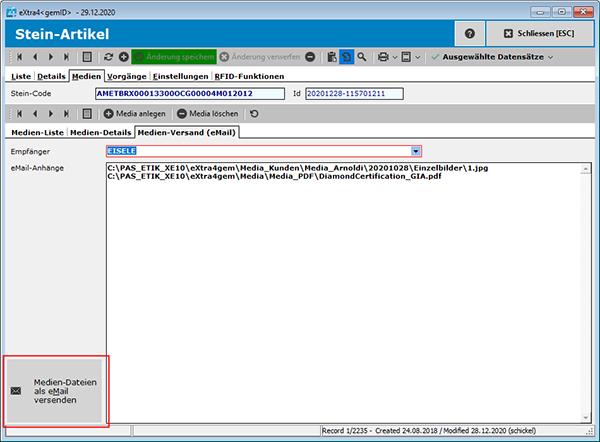
Media dispatch via link by e-Mail
The written presentation in an offer is supported by eXtra4<gemID> via the media management with multimedia e-mails. They are generated from the content of a cart using the user's standard mail program. The offer is not sent as an attachment, but appears as the body text of the e-mail itself, HTML-formatted, including the company logo. The mail content is already visible in the preview of the e-mail client, without cumbersome opening of an attachment.
Integrated documents from the media management are directly assigned to the gems in the individual offer items via link. Meaningful terms such as "video" or "certificate" serve as clickable link text instead of the usually overlong cloud address. The full functionality of the e-mail including links is also guaranteed on mobile devices.
Multi-user capability
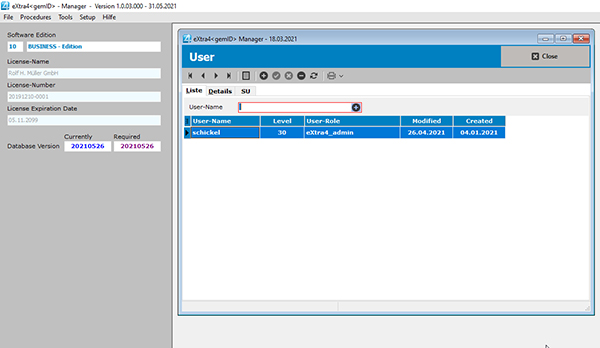
The extra4<gemID> software uses the multi-user client/server database PostgreSQL for gemstone management. It allows direct database access from any number of workstations. The software provides a separate tool for the administration of different user access rights.
Instead of being stored on the local computer of a workstation, the data is stored on a centrally located computer that acts as a server. The database server can either be installed on a suitable, already existing computer or provided by eXtra4 on a small LINUX computer.
RFID functions
As gemstone management software, eXtra4<gemID> opens up the advantages of RFID-supported systems via a client/server database and the RFID solution of eXtra4. Already the concept of the software foresees the use of this technology from scratch, because the traditional organization of gemstones in boxes and containers (trays) offers ideal conditions for an RFID-based software edition. First functions and hardware access are already considered in the current version of eXtra4<gemID>.
Groundbreaking possibilities for gemstone management
Inventory is greatly accelerated and simplified by RFID: inventory items no longer need to be recorded individually. RFID records items in large quantities simultaneously. Instead of piece by piece, data is collected from the contents of a container, such as a tray or show case, completely in one shot. Inventory can no longer be taken only annually or daily, but takes place permanently. Such large amounts of data accumulate (Big Data) that evaluations in every direction are conceivable: Localization of items, pre-sales statistics, monitoring of goods movements, etc.
eXtra4<gemID> Edition „Business RFID“ compatible with Windows
Gemstone Management with eXtra4<gemID> is a Windows program. Accordingly, Edition "Business RFID" runs exclusively on Microsoft systems. The software is not intended for other computer platforms at the current time.During the introduction of eXtra4<gemID> Edition "Business RFID" we accompany users from the beginning. Interested parties please contact the eXtra4-Support.

Our labelling systems in the field of software and associated services are supported by our subsidiary eXtra4 Software+Service GmbH.
Licensing and installation
The purchase of a license of "Business RFID" entitles to use the software on any number of computers at one location. This site license includes a subscription to the software, which is available for 12 month.The adaptation of the software edition "Business RFID" to the conditions on location and the integration into existing IT structures requires in any case increased technical expertise and is taken over by our support experts after the purchase. Therefore, this version of the gemstone management eXtra4<gemID> already includes a support contingent of 240 units (1 unit = 6 minutes).
Support and service times
Support is generally provided by telephone and online (remote). If you need support, we will be happy to help you. Please contact us under +49 7231 94790 or by Mail.OUR NOVELITIES
WORLDWIDE DELIVERY...
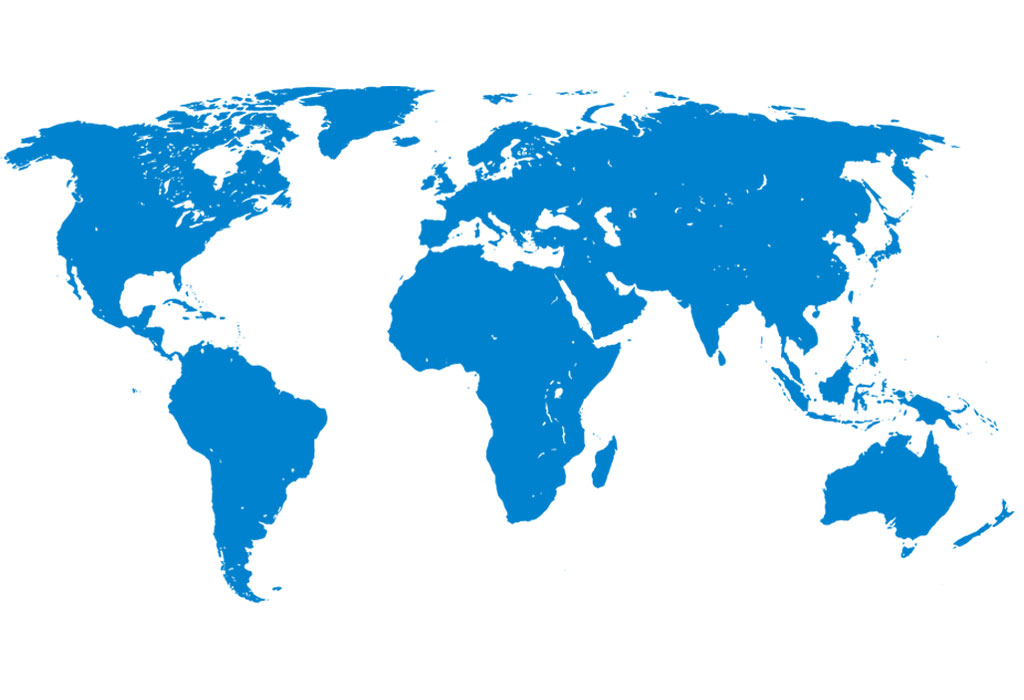
eXtra4 Labelling Systems operates internationally - focusing on the market for jewellery, watches and gemstones. We supply customers around the globe. In more than 25 countries we have representatives for labels and label printing systems.
Our labelling systems in the field of software and associated services are supported by our subsidiary eXtra4 Software+Service GmbH.

TOP SELLER